


Parking mode records low-power, time-lapse, or impact-triggered video; motion detection records when movement is sensed.
As someone who has tested dash cams for years and lived through a few parking lot bump-and-runs, I know why the choice between dash cam parking mode vs motion detection matters. This guide breaks down how each system works, where each shines, and how to set them up to protect your car and evidence. You’ll get clear, practical advice and real-world tips so you can choose the right setup for your needs.
Read: How Can Ai Dash Cams Reduce Accidents In Construction: Tips

How dash cam parking mode vs motion detection work
Dash cam parking mode is a broad term. It refers to any way a dash cam records while the vehicle is parked. Parking mode can include low-power recording, time-lapse, impact detection, and buffered recording. I once used a dash cam that wrote a low-res time-lapse to save power and switched to full-res after an impact. Different manufacturers implement various dash cam parking mode features to enhance security and user experience. Some models allow for customizable sensitivity for impact detection, while others might support cloud storage options for quick access to footage. Ultimately, the effectiveness of these features can significantly impact peace of mind for owners when leaving their vehicles unattended.
Motion detection scans the camera feed for moving objects. It starts recording only when motion crosses a threshold. Motion detection can save space and battery, but it may miss slow or subtle events if sensitivity is too low.
Check Out: Garmin vs Cobra Dash Cam
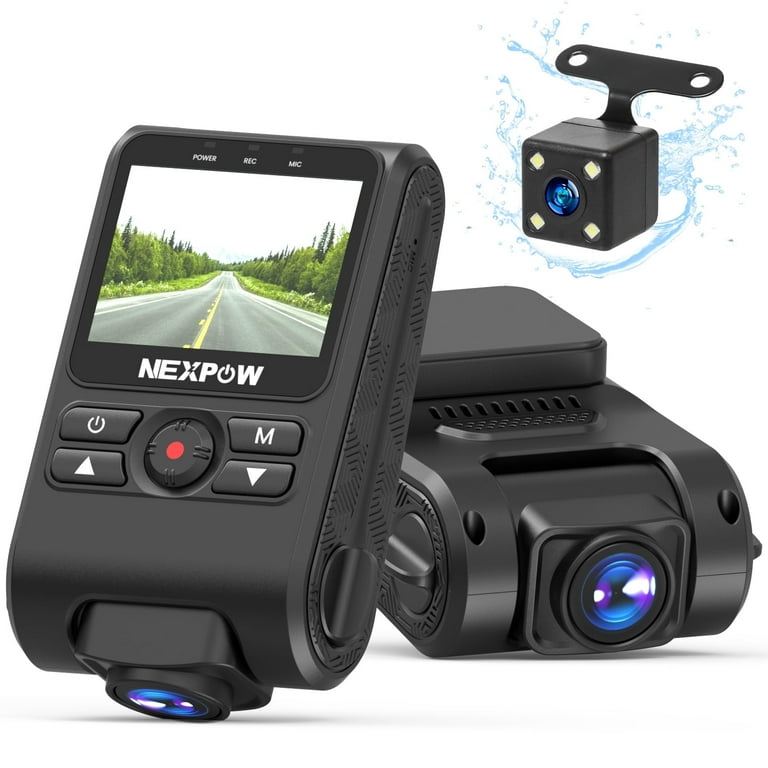
Common types of parking mode and motion detection
Parking mode and motion detection come in many flavors. Below are common types and what they do.
- Impact-triggered parking mode: Uses a G-sensor to record before and after a shock. Great for hit-and-run evidence.
- Time-lapse parking mode: Records frames at intervals to extend recording time and save storage. Works well for long-term surveillance.
- Low-power/continuous parking mode: Low-frame-rate recording that balances coverage and power draw.
- Motion-detection recording: Starts when the camera detects motion in its view. Good for active lots with frequent movement.
- Buffered parking mode: Keeps a short pre-event buffer so you capture the seconds before an impact or motion trigger.
When discussing dash cam parking mode vs motion detection, remember they can overlap. Many dash cams use both methods together for smarter captures.
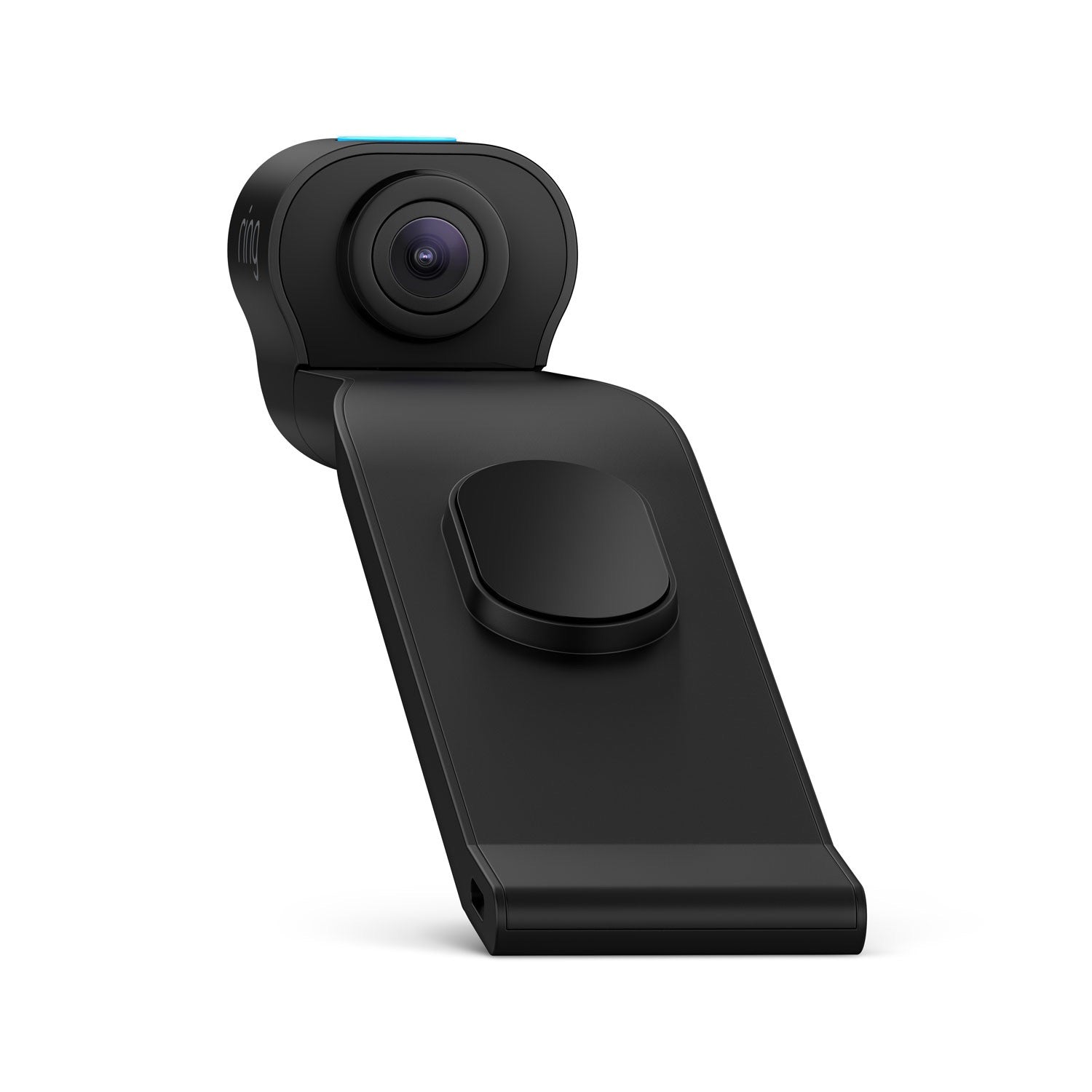
Pros and cons: dash cam parking mode vs motion detection
Here’s a clear view of strengths and weaknesses.
- Parking mode pros: Captures impacts reliably, often records pre-event footage, and offers multiple modes for different power limits.
- Parking mode cons: Can drain battery if not wired correctly and may use more storage for continuous or buffered modes.
- Motion detection pros: Saves storage and battery by recording only when movement occurs. Good for busy streets.
- Motion detection cons: Can trigger false positives from shadows or passing cars and might miss slow creeping damage.
In my tests, parking mode caught a low-speed bumper tap that motion detection missed because the car barely moved. That taught me to enable impact-triggered recording alongside motion detection.

Power, wiring, and storage considerations
Power and storage control how well parking features work. Follow these tips.
- Hardwiring: Use a hardwire kit for reliable parking mode. It protects your dash cam battery life and gives continuous power.
- Low-voltage cutoff: Set a cutoff to avoid draining your car battery. This keeps you from being stranded.
- Storage: Use high-endurance microSD cards and set loop recording lengths. Parking mode fills space slowly but steadily.
- Heat and longevity: Heat shortens card life. Choose dash cams rated for heat and cards made for surveillance or dash cams.
Power setup matters when you compare dash cam parking mode vs motion detection. Motion detection uses less power, but hardwiring gives the best long-term reliability.

Practical setup tips and sensitivity tuning
A good setup prevents false alarms and ensures events are captured.
- Position the camera: Aim for a clear view of likely threats—rear, front, or both.
- Adjust sensitivity: Lower sensitivity in busy areas to reduce false triggers. Raise sensitivity in quiet lots.
- Test your G-sensor: Tap the car gently to confirm impact triggers work and capture pre-buffer.
- Combine modes: Use motion detection for wide coverage and impact-triggered parking mode as a safety net.
From personal experience, setting motion sensitivity too high flooded my footage with false clips. A few test days and tweaks fixed it.

Real-world scenarios: When to choose each
Match the feature to the situation.
- Busy street with frequent passersby: Favor motion detection to avoid continuous recording overload.
- Unattended parking in risky areas: Use impact-triggered parking mode plus buffered recording for collision evidence.
- Long-term parking (airport): Time-lapse parking mode conserves space and still shows long events.
- Driveway or private lot: Motion detection works well if movement is rare and obvious.
When weighing dash cam parking mode vs motion detection, consider traffic, risk level, and how long you’ll leave the car. I once left my car overnight in a dim lot; buffered parking mode was the only thing that caught a mirror-scrape.
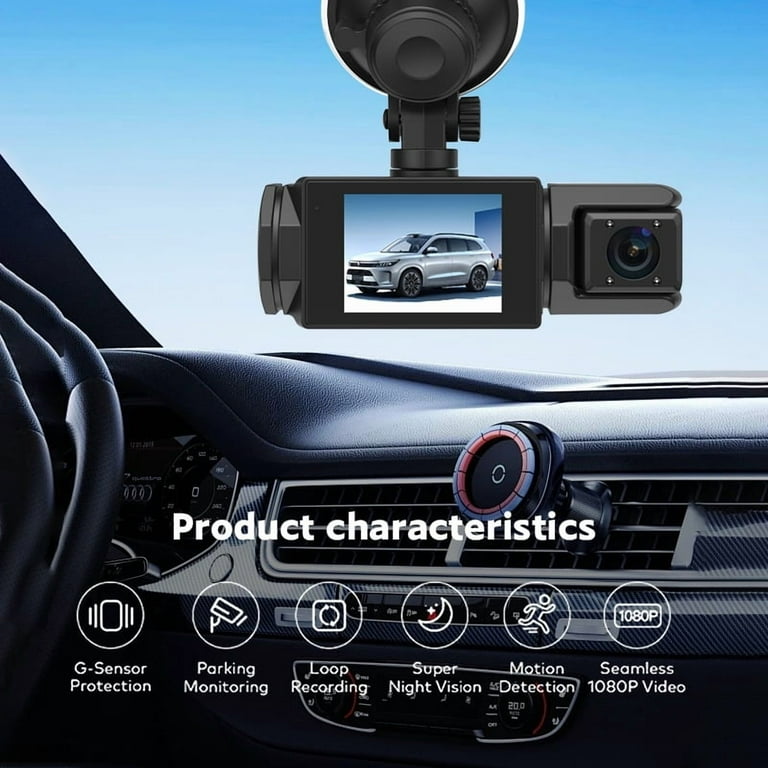
Choosing the right dash cam and features
Not all dash cams are equal. Look for these features.
- Reliable parking mode options: Multiple parking modes and configurable settings.
- Dual-channel recording: Front and rear coverage for better evidence.
- Quality night recording: Low-light performance matters for parking events.
- Proven firmware and support: Choose brands with regular updates and clear manuals.
When shopping, search for user reports about the parking mode and motion detection performance. That feedback often reveals real strengths and issues. Remember the phrase dash cam parking mode vs motion detection when you read reviews; many users compare them directly.

My lessons learned and quick setup checklist
From years of testing and personal incidents, here’s what I now always do.
- Hardwire the dash cam with a low-voltage cutoff to protect the car battery.
- Enable impact-triggered parking mode and buffered recording for collision capture.
- Turn on motion detection with medium sensitivity to limit false triggers.
- Use high-endurance microSD cards and replace them yearly if used heavily.
These steps helped me capture two hit-and-run incidents and avoid a dead battery. They distill the practical side of dash cam parking mode vs motion detection.
Frequently Asked Questions of dash cam parking mode vs motion detection
How does parking mode differ from motion detection?
Parking mode is any recording method used when the vehicle is parked, including impact-triggered and time-lapse. Motion detection specifically records when movement is detected in the camera view.
Will motion detection drain my car battery?
Motion detection generally uses less power than continuous recording, but any parking recording can drain the battery without proper hardwiring or a low-voltage cutoff.
Can a dash cam record before an impact?
Yes. Buffered parking mode keeps a short pre-event buffer so you can capture seconds before an impact, which is vital for evidence.
Which setting is best for busy streets?
On busy streets, reduce motion sensitivity or use time-lapse to avoid constant recordings. Combining modes can also help filter events.
Do I need a professional to install parking mode?
You can install many units yourself, but hardwiring is safer when done by a pro. Professional installation ensures proper fuse tap and low-voltage protection.
Read: Dash cam obd vs fuse
Conclusion
Choosing between dash cam parking mode vs motion detection comes down to risk, power, and what you want to capture. Use impact-triggered and buffered parking mode for collision capture, and motion detection to cut storage use in busy areas. Test settings, hardwire when possible, and pick a dash cam with flexible parking features. Start by tuning sensitivity and doing short tests for a week. If you want secure, evidence-ready footage, try combining both modes and share your results or questions below — I’ll help you refine the setup.

