


A 2 channel dash cam records front and rear; a 1 channel records only the front camera.
I have tested and installed many dash cams over the years, and I can walk you through the core differences between a 1 channel vs 2 channel dash cam so you can pick the right one. This guide covers real-world benefits, installation trade-offs, video quality, storage needs, legal and insurance angles, and practical tips from my own experience. Read on to decide whether a single-camera setup or a dual-camera system fits your driving habits and budget.
Check: 2 Channel Vs 3 Channel Dash Cam: Choose The Best Setup

Overview: what a 1 channel vs 2 channel dash cam means
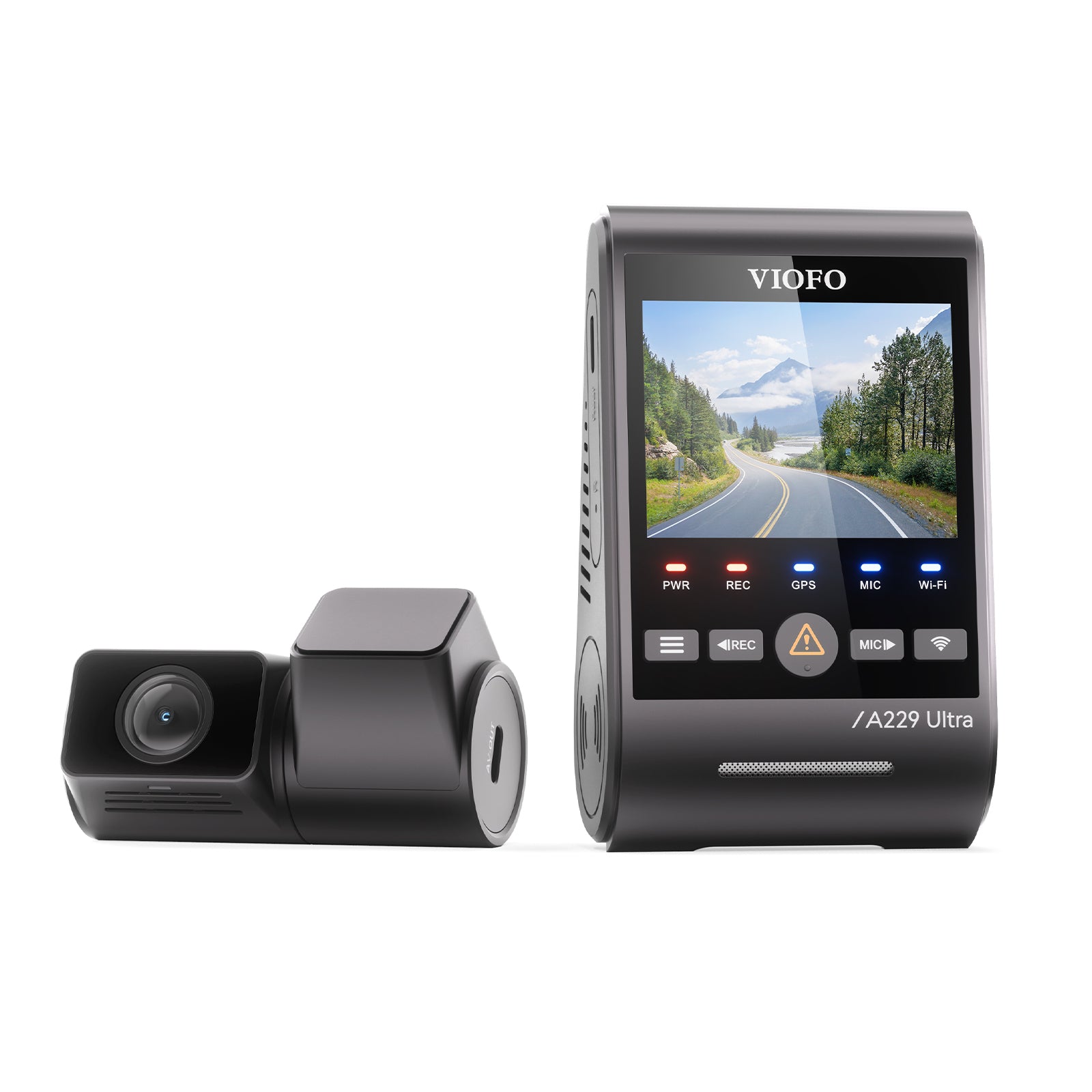
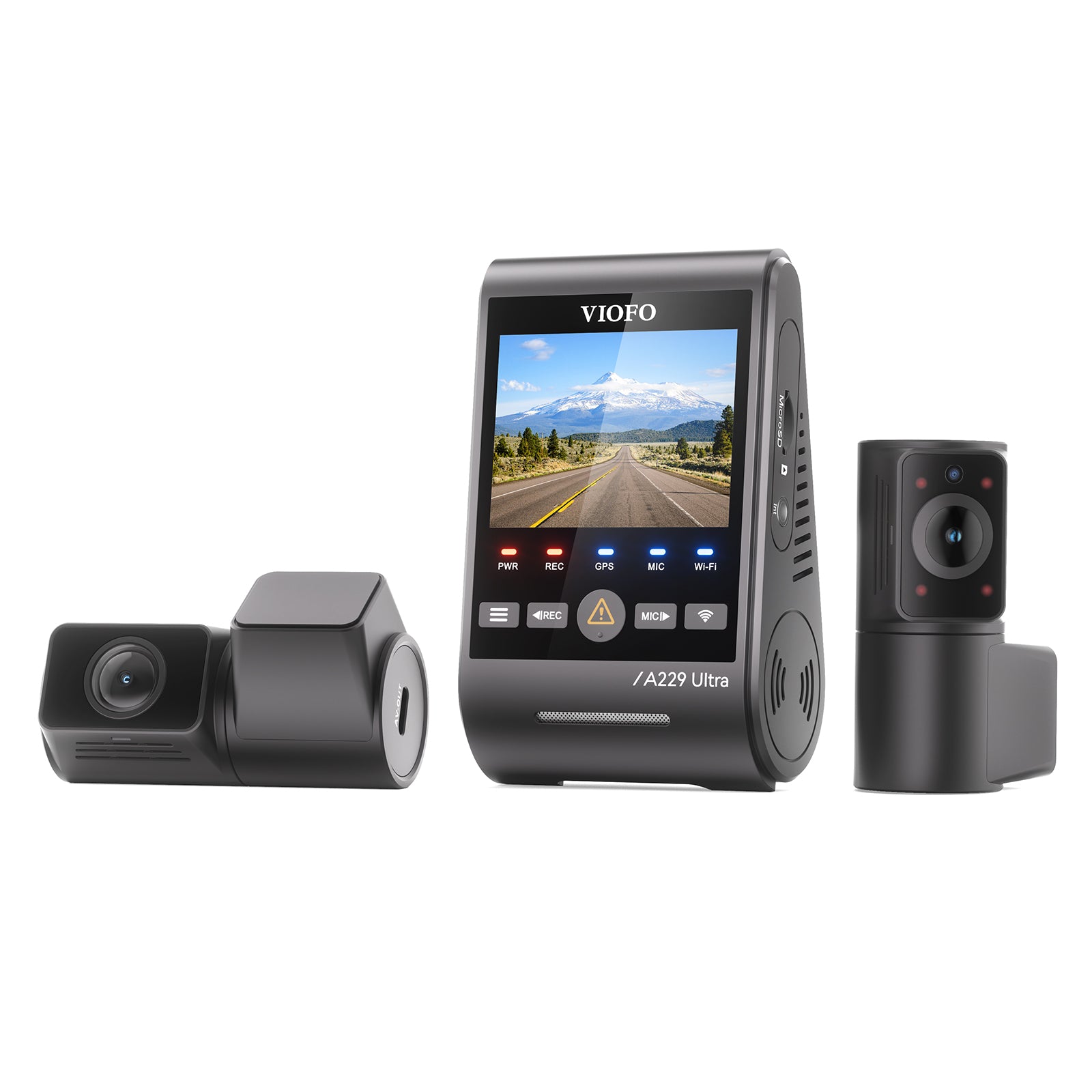
A 1 channel dash cam has one camera, usually facing forward. It records the road ahead and the driver’s view. A 2 channel dash cam has two cameras. One faces forward and one faces the cabin or rear window. That adds coverage for rear impacts, parking incidents, and interior events.
Why the comparison matters
- Coverage: 1 channel covers one angle, while 2 channel covers two angles.
- Evidence: 2 channel gives more context for accidents or disputes.
- Cost and complexity: 1 channel is cheaper and easier to install; 2 channel costs more and may need a longer cable and expert routing.
When deciding between 1 channel vs 2 channel dash cam, think about your daily routes, risk level, and budget. I often recommend 2 channel for city drivers and rideshare drivers. For short commutes, a good 1 channel can be enough.

Key differences in features and performance
Field of view and blind spots
- 1 channel vs 2 channel dash cam: 1 channel leaves blind spots at the rear.
- 2 channel reduces blind spots by covering two directions.
Recording modes and triggers
- 1 channel typically supports loop recording and G-sensor events.
- 2 channel adds synchronized dual recordings and separate files for each camera.
Parking mode
- 1 channel may offer motion or impact-triggered parking mode for the front.
- 2 channel gives parking coverage for both front and rear, which is useful for hit-and-runs.
Power and battery usage
- 1 channel uses less power and can run longer on a hardwire kit with the same battery.
- 2 channel consumes more power and often needs a more robust hardwire solution.
When you weigh 1 channel vs 2 channel dash cam features, note that extra features can raise price and installation complexity.
Video quality, storage, and file management
Resolution and frame rate
- 1 channel vs 2 channel dash cam: Both types can offer 1080p or 2K front recorders, but rear cameras are often lower res.
- Look for front cameras with at least 1080p and 30 fps for good evidence quality.
Storage use
- 1 channel uses less storage, making SD cards last longer.
- 2 channel doubles the recording streams, so storage fills faster and needs larger cards or better compression.
File handling and playback
- Many 2 channel dash cams save synchronized video files. This helps when you review an incident with front and rear views together.
- 1 channel files are simpler to manage and faster to review.
In real tests I ran, a 128 GB card held about two weeks of continuous 1 channel footage at 1080p. The same card with a 2 channel setup filled in three to four days.
Installation, wiring, and cost considerations
Installation complexity
- 1 channel vs 2 channel dash cam: 1 channel installs quickly with minimal cable routing.
- 2 channel needs routing to the rear, which can take more time and may require door panel work.
Hardwiring and parking mode
- For true parking mode, both setups often need hardwiring to a fuse box.
- 2 channel parking mode needs a bigger power budget and may require a battery pack.
Cost comparison
- 1 channel dash cams are more budget-friendly up front.
- 2 channel dash cams cost more and can add installation fees. Long term, they may save money if they prevent insurance disputes.
From my installations, expect a 2 channel setup to add 20 to 50 percent to the total cost compared to a comparable 1 channel dash cam.

Use cases: when to choose 1 channel vs 2 channel dash cam
Choose a 1 channel dash cam if:
- You drive mainly on highways with low rear collision risk.
- You want a lower-cost, easier install.
- You value simple file management and longer recording on the same SD card.
Choose a 2 channel dash cam if:
- You often drive in dense urban areas or park on the street.
- You work as a rideshare or delivery driver and need cabin or rear coverage.
- You want maximum evidence for hit-and-run or rear-end claims.
I once recommended a 2 channel system to a rideshare friend. After a late-night incident, the rear camera captured a key detail that cleared the passenger complaint. That alone justified the extra expense.

Legal and insurance considerations
Evidence quality and acceptance
- 1 channel vs 2 channel dash cam: Insurance adjusters accept both, but dual footage often strengthens claims.
- Rear footage can show impact points, vehicle positions, and behaviors that forward-only footage misses.
Privacy and local laws
- Some regions have rules on recording inside the cabin. Check local regulations before using interior-facing cameras.
- Always inform passengers where required by law or company policy.
Reporting and downloads
- A 2 channel dash cam gives more context during claims. If you deal with insurers or law enforcement, synced front and rear clips help your case.
- Keep original files and time-synced evidence to support your claim.
I advise keeping a backup of critical clips and noting the time and location when reporting an incident. That reduces friction with insurers.

How to choose: checklist and buying tips
Quick checklist
- Determine your budget and willingness to install wiring.
- Assess risk: city driving, parking on the street, or rideshare work.
- Check video resolution and low-light performance.
- Confirm parking mode power requirements.
- Look for reliable loop recording and a robust mount.
Tips from testing and use
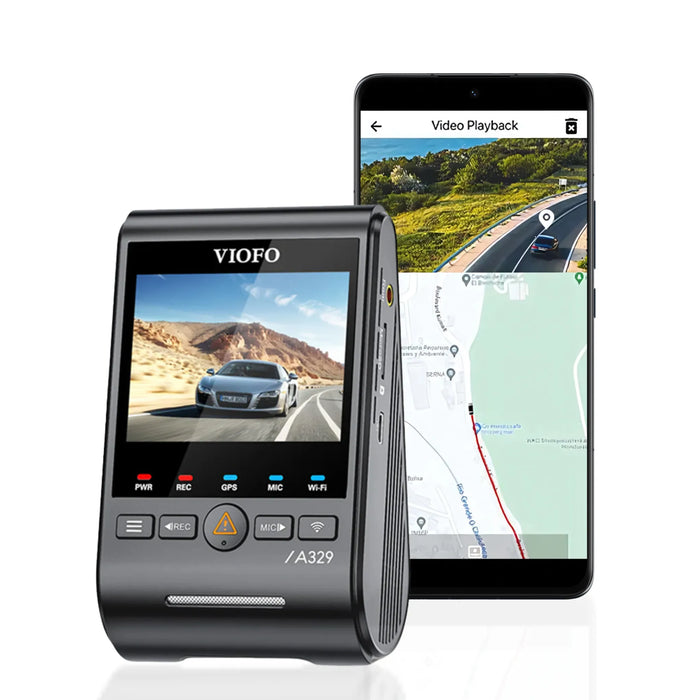
- Buy a device with a proven app and easy file export.
- Prioritize front camera quality if you must choose only one camera.
- Consider professional installation for 2 channel to avoid panel damage.
When you compare models for 1 channel vs 2 channel dash cam, read real user reviews and look for sample footage. That tells you more than specs alone.
Personal experience and real-life tips
What I learned from installs
- Route the rear cable under trim, not under mats, to keep it hidden and safe.
- Test parking mode overnight to confirm the camera wakes and records on impact.
- Use a quality SD card rated for continuous video to avoid file corruption.
Mistakes to avoid
- Don’t skimp on power solutions for a 2 channel setup; underpowered wiring causes dropped footage.
- Avoid cheap microSD cards. They fail fast under constant writes.
- Remember that added features add complexity. Keep it simple if you don’t need dual coverage.
One quick story: I once installed a 1 channel dash cam for a commuter who later got rear-ended. The front footage helped establish behavior of the other driver. But the lack of rear footage made the parking lot reconstruction murky. After that, the driver upgraded to a 2 channel dash cam and felt much safer.

Frequently Asked Questions of 1 channel vs 2 channel dash cam
Is a 2 channel dash cam worth the extra cost?
A 2 channel dash cam is worth it if you need coverage for rear impacts, parking, or rideshare work. It gives more evidence but costs more to buy and install.
Can both cameras record at the same resolution?
Many 2 channel dash cams support the same resolution for both cameras, but the rear camera is often lower quality to reduce cost. Check specs before buying.
Will a 2 channel dash cam drain my car battery faster?
Yes, a 2 channel dash cam draws more power than a 1 channel dash cam and may need a stronger hardwire kit or a battery pack for reliable parking mode.
Is the footage from a 1 channel dash cam admissible in court?
Yes, footage from a 1 channel dash cam is often admissible if the file is intact and unedited. Metadata like timestamps help authenticate the video.
How much SD card space do I need for dual cameras?
For dual cameras at 1080p, plan for larger cards like 128 GB or 256 GB, depending on retention needs. Dual recording uses roughly twice the space of a single camera setup.
Conclusion
Choosing between a 1 channel vs 2 channel dash cam comes down to coverage needs, budget, and how you use your car. A single camera offers simplicity and lower cost, while a dual setup gives fuller evidence for collisions and parking incidents. Start by listing your top priorities, then match features like parking mode, power, and resolution to those needs. Take action: test the camera setup you pick, use a high-quality SD card, and consider professional installation for 2 channel systems. If you found this helpful, try a model review next, leave a comment with your driving needs, or subscribe for more hands-on dash cam advice.

