


Most dash cams last about three to seven years with normal daily use.
I write about cameras and car tech and have tested many dash cams in real driving, heat, and city stop-and-go. In this guide I’ll explain how long does a dash cam last, what shortens its life, practical fixes, and real-world tips to help yours keep recording when you need it most. Read on if you want clear, usable advice based on hands-on experience and industry know-how.

How long does a dash cam last: a clear overview
A typical dash cam will run well for three to seven years under normal conditions. Heavy use, extreme heat, or poor installation can cut that span to one to two years. Higher-end models with better parts and warranties often last longer, sometimes eight to ten years if cared for. Understanding the difference between device lifespan and component wear helps you make smart choices about maintenance and replacement.
Key factors that affect how long a dash cam lasts
Several things change how long does a dash cam last. Knowing these helps you protect your unit.
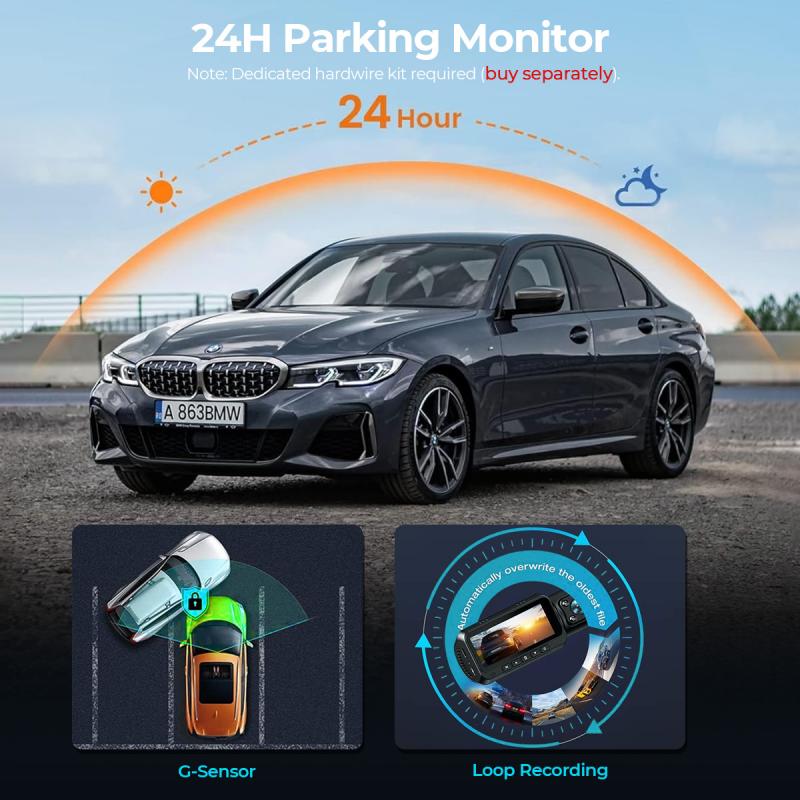
Power setup and wiring
Faulty wiring or constant power draws cause heat and stress. Hardwiring without a proper fuse or voltage cut-off can shorten life.Heat and sunlight exposure
Dashboard heat in summer is the top killer of electronics. Prolonged sun can warp plastic and age circuits.Quality of internal components
Cheap sensors, boards, and connectors fail faster. A better sensor and capacitor will outlast a no-name unit.Memory card health and type
Low-quality microSD cards fail often and corrupt files. High-endurance cards are made for constant rewriting.Firmware updates and software stability
Outdated firmware can cause crashes and file corruption. Regular updates fix bugs and improve longevity.Usage patterns
Continuous 24/7 recording, parking mode, and power cycling change wear. Occasional drivers often see longer life than heavy fleet use.

Lifespans by component: camera module, battery, SD card, and power cable
Break the device into parts to see realistic lifespans.
Camera sensor and main board
Expect three to seven years for the sensor and board with normal use. Good cooling and lower operating temperature extend this.Internal battery or capacitor
Many dash cams use capacitors that last longer than batteries. If your unit has a small battery, it may need replacement in 1–3 years.microSD card
Standard cards often fail within one to three years under heavy overwrite. High-endurance cards last 3–5 years or more.Power cable and connectors
Cables and USB connectors wear from heat, flexing, and movement. Replace as soon as you see frays or loose fit; expect 2–5 years depending on quality.Mounts and adhesives
Suction mounts and adhesive pads can weaken in hot or wet climates. They often need replacing every 1–3 years.
How to extend your dash cam’s life — practical tips
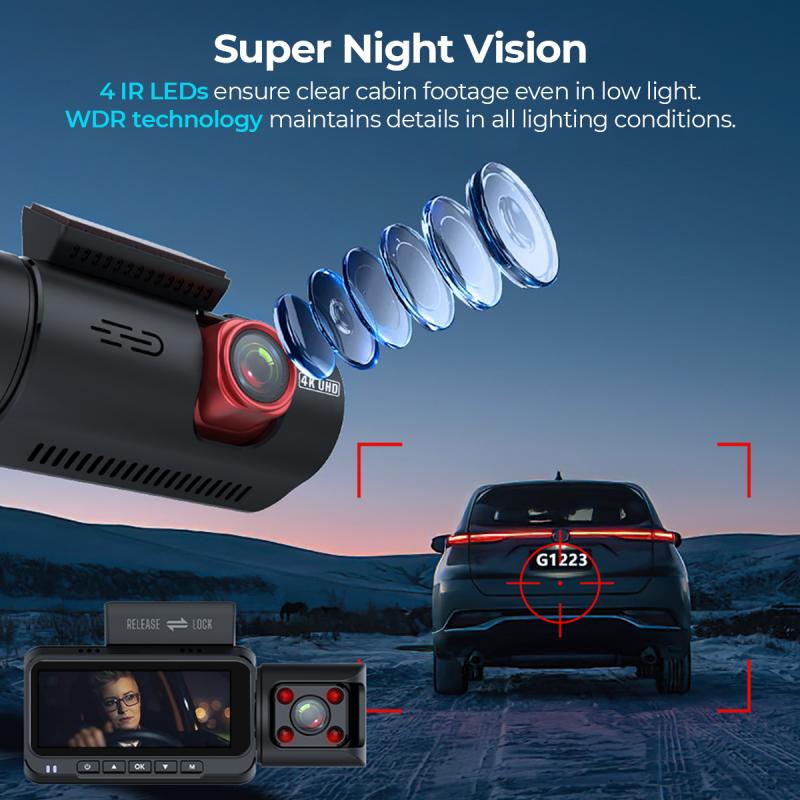
Small changes make a big difference. These steps helped my own dash cams last longer on busy city routes.
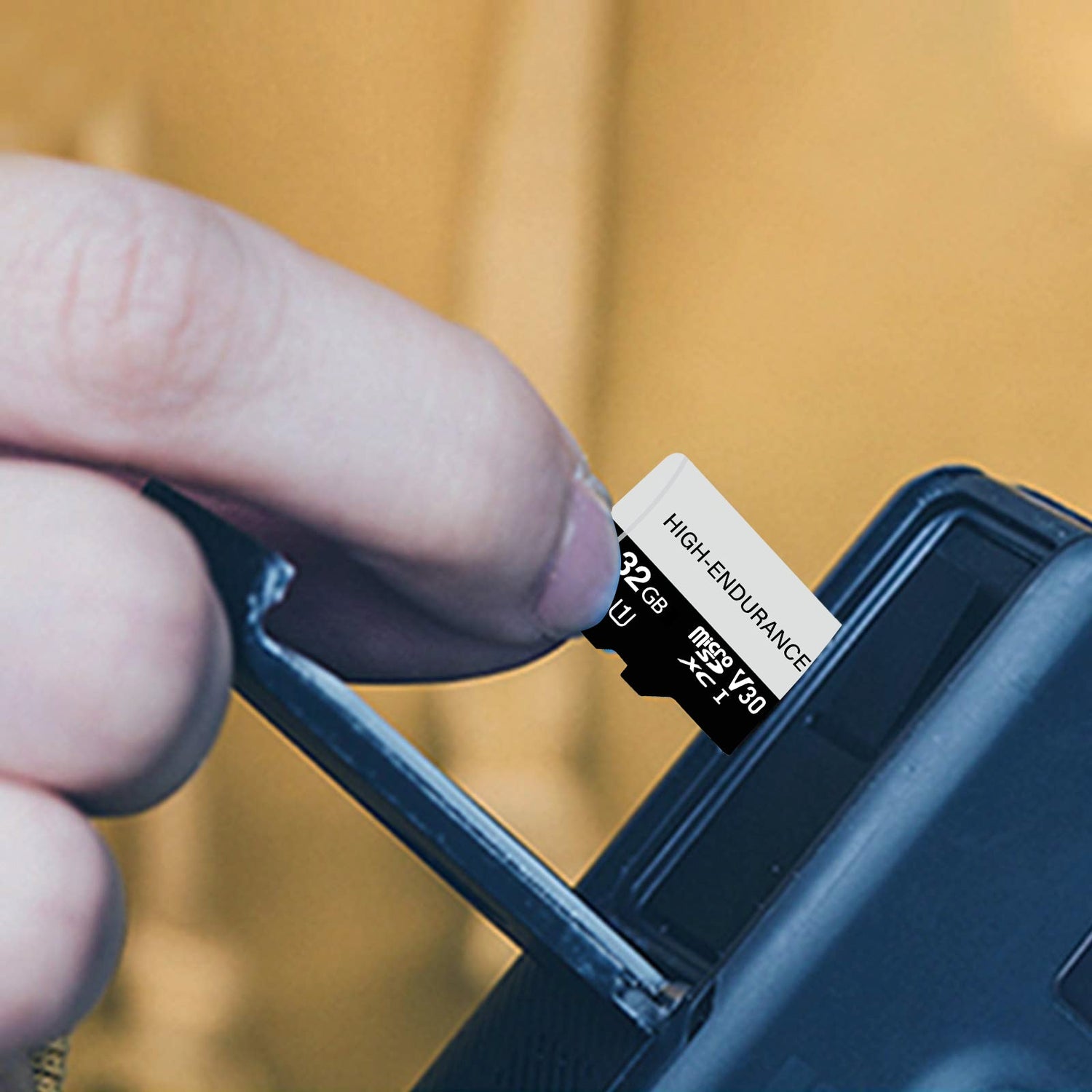
Choose high-endurance microSD cards
Buy cards rated for continuous video. Reformat them in the dash cam each month or every few months.Keep firmware updated
Check for updates quarterly. Updates fix bugs that can corrupt recordings.Avoid direct sun and extreme heat
Park in shade when you can. Use a sunshade for the windshield during long stops.Hardwire smartly with a voltage cut-off
If you want parking mode, use a battery monitor or low-voltage cutoff to prevent drain. Professional installation reduces wiring stress.Use quality mounts and allow airflow
Mount so the camera has some air flow. Avoid tucking it behind heated dash panels.Replace worn cables and check connections monthly
Tight, clean connections reduce voltage spikes and intermittent faults.Rotate or backup the unit for heavy use
If you drive for work, consider swapping units or having a spare to reduce continuous wear.
Personal note: I once let a cheap card run for six months without reformatting and lost a critical clip. After switching to an endurance card and monthly reformats, I had no file errors for two years. These small routines saved me time and money.

When to replace your dash cam
Knowing when to replace your dash cam saves frustration and ensures you capture important events.
Frequent file corruption or missing footage
If clips become unreadable or the cam keeps restarting, it’s time to consider replacement.Physical damage or failing mount
Cracks in the lens, loose lens housing, or melted plastic means reduced reliability and should trigger a swap.Outdated features or poor image quality at night
Newer models have better low-light sensors and faster processors. If footage is consistently unusable, upgrade.Battery or capacitor failure that can’t be serviced
If the power unit fails and the manufacturer doesn’t offer a part, replacement is the safe choice.Warranty expiration and rising repair costs
When repair costs approach the price of a new unit, replace it. A new dash cam may offer improved features and better long-term support.
Choosing a durable dash cam
Pick features and brands that help answer how long does a dash cam last before you buy.
Look for high operating temperature ratings and metal housings
These handle heat better and reduce plastic warping.Prefer units with capacitors over small lithium batteries
Capacitors cope with heat spikes and last longer in cars.Choose models with routine firmware updates and a good support record
Frequent updates show the maker cares about reliability.Check warranty length and service options
Multi-year warranties indicate manufacturer confidence and lower long-term cost.Read real-world reviews and look for fleet or pro-use endorsements
If drivers use a model daily for years, that’s a good sign of longevity.
Frequently Asked Questions of how long does a dash cam last
How long should a dash cam’s SD card last?
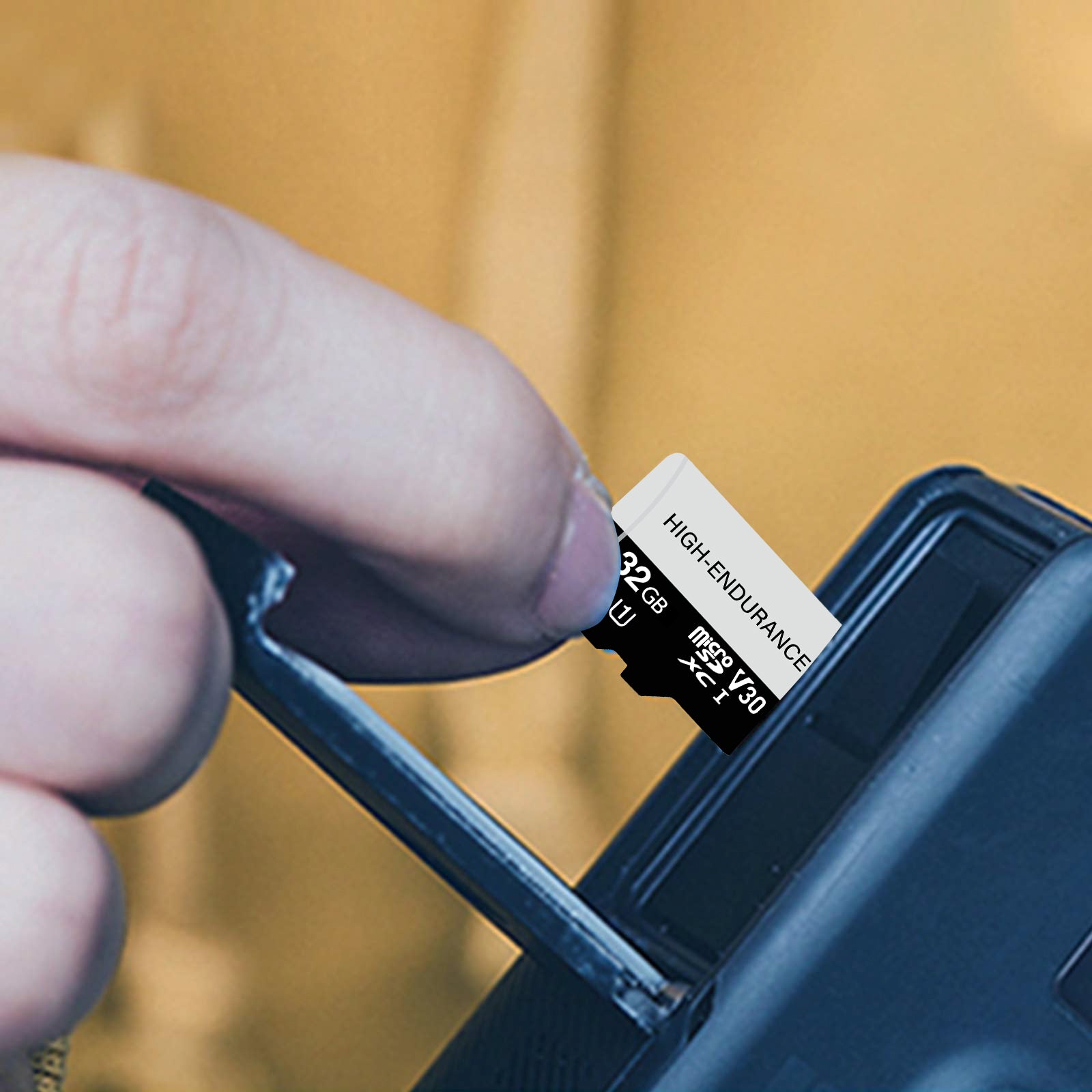
With normal use, a standard microSD card may last one to three years. High-endurance cards designed for constant rewriting typically last three to five years or more.
Does heat shorten a dash cam’s lifespan?
Yes. High dashboard temperatures accelerate electronic wear and degrade adhesives and plastics. Parking in shade and using sunshades can reduce heat damage.
Can I replace the internal battery in a dash cam?
Some models have replaceable batteries or capacitors, but many do not. If the internal battery fails and the unit is not serviceable, replacement might be necessary.
How often should I update dash cam firmware?
Check for updates every few months or when you notice bugs. Regular updates fix stability issues and can improve file handling and power management.
Is a cheaper dash cam worth the savings?
Cheaper dash cams can save money short term but often have lower-quality components and shorter life. For heavy use, spending more on a reliable model usually saves money over time.
Will constant parking mode reduce lifespan?
Parking mode increases writing cycles and heat exposure, which can shorten lifespan if not managed. Using a low-voltage cutoff and high-endurance cards helps mitigate damage.
Conclusion
Most dash cams last three to seven years, but that range depends on heat, power setup, card quality, and how you use the unit. Small habits—using endurance cards, updating firmware, avoiding extreme heat, and installing power cut-offs—will stretch your camera’s useful life. If you drive a lot or use parking mode, plan for earlier wear and consider a higher-quality model or a spare. Try one or two of the tips above this week: check your microSD card and firmware, and you’ll likely avoid a costly failure later. If this guide helped, leave a comment, ask a question, or subscribe for more hands-on car tech advice. Additionally, regularly cleaning your dash cam’s lens will ensure clear footage, and keeping the device free from debris can prevent overheating. For even more tips for car dash cam longevity, consider investing in a model with built-in features that help manage power and heat. Staying proactive with maintenance can significantly extend the life of your dash cam.


