


Garmin dash cams excel at in-car evidence; GoPro shines for high-quality action footage.
I’ve tested both devices across daily commutes and long road trips. I’ll walk you through garmin dash cam vs gopro differences with hands-on insight, clear comparisons, and practical tips. Expect simple explanations, real-world examples, and a direct plan to pick the right camera for your needs.

Key differences at a glance
When comparing garmin dash cam vs gopro, think about purpose first. Garmin makes tools tuned for driving. They focus on continuous recording, incident detection, GPS data, and easy evidence export. GoPro makes action cameras built for flexible use. They focus on image quality, high frame rates, stabilization, and rugged mounts.
Here are the core trade-offs:
- Purpose and design: Garmin is built for in-car safety and documentation. GoPro is built for versatile video capture.
- Power and setup: Garmin is often wired for constant power. GoPro runs on battery unless hardwired.
- Features: Garmin has driver alerts and parking mode. GoPro has advanced stabilization and creative filming modes.
- Video style: Garmin favors wide, stable views of the road. GoPro favors cinematic detail and slow motion.
I’ll expand on each point below to help you decide between garmin dash cam vs gopro for your specific needs. When evaluating the options, consider how each camera’s capabilities align with your intended use. The garmin dash cam features, such as built-in GPS and driver assistance alerts, make it an excellent choice for those focused on road safety and capturing travel footage. On the other hand, if you’re looking for a versatile action camera for various outdoor activities, the GoPro might be the better option.

Check out: Bmw drive recorder and Dash Cam
Image and video quality
Video quality matters differently for each use. For evidence and clarity, garmin dash cam vs gopro serve different goals.
Garmin dash cams deliver consistent daytime clarity. They use a wide field of view to capture lanes and license plates. They optimize for contrast and readable detail at normal driving speeds.
GoPro cameras excel at resolution and frame rate. You get crisp 4K and smooth slow motion. The color and dynamic range are richer. GoPro handles landscapes and action better than most dash cams.
Consider low light and glare:
- Garmin often includes HDR or night optimization tuned for license plate legibility.
- GoPro offers superior low-light sensors on newer models but may need settings tweaks to avoid overexposure from headlights.
If your priority is legal proof or insurance use, video clarity for plates and timestamps is key. If priority is cinematic footage or adventure filming, GoPro wins.
Read: Action Camera Vs Dash Cam: Which Is Best For You

Mounting, power, and form factor
How and where you mount the camera affects convenience and reliability when weighing garmin dash cam vs gopro.
Garmin dash cams:
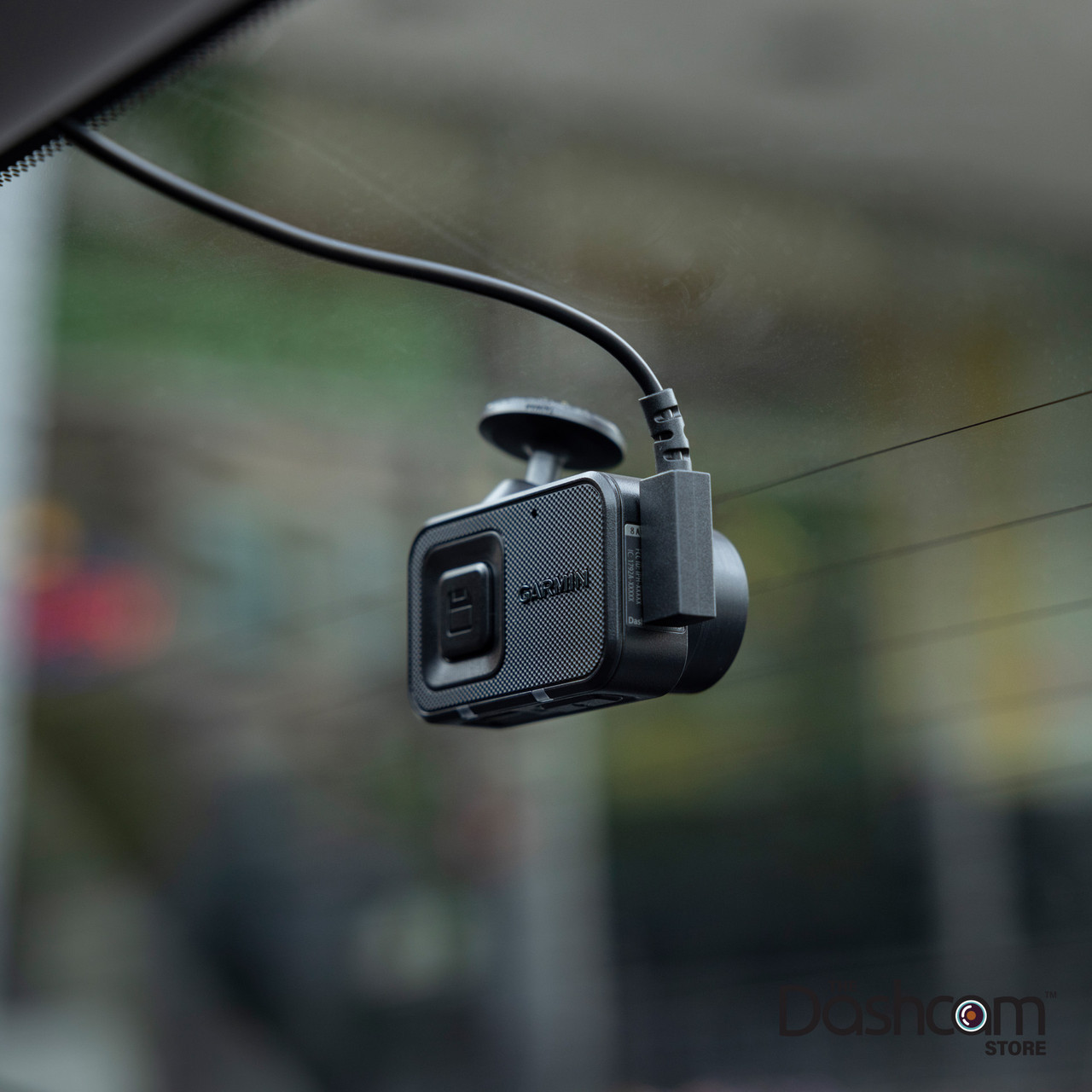
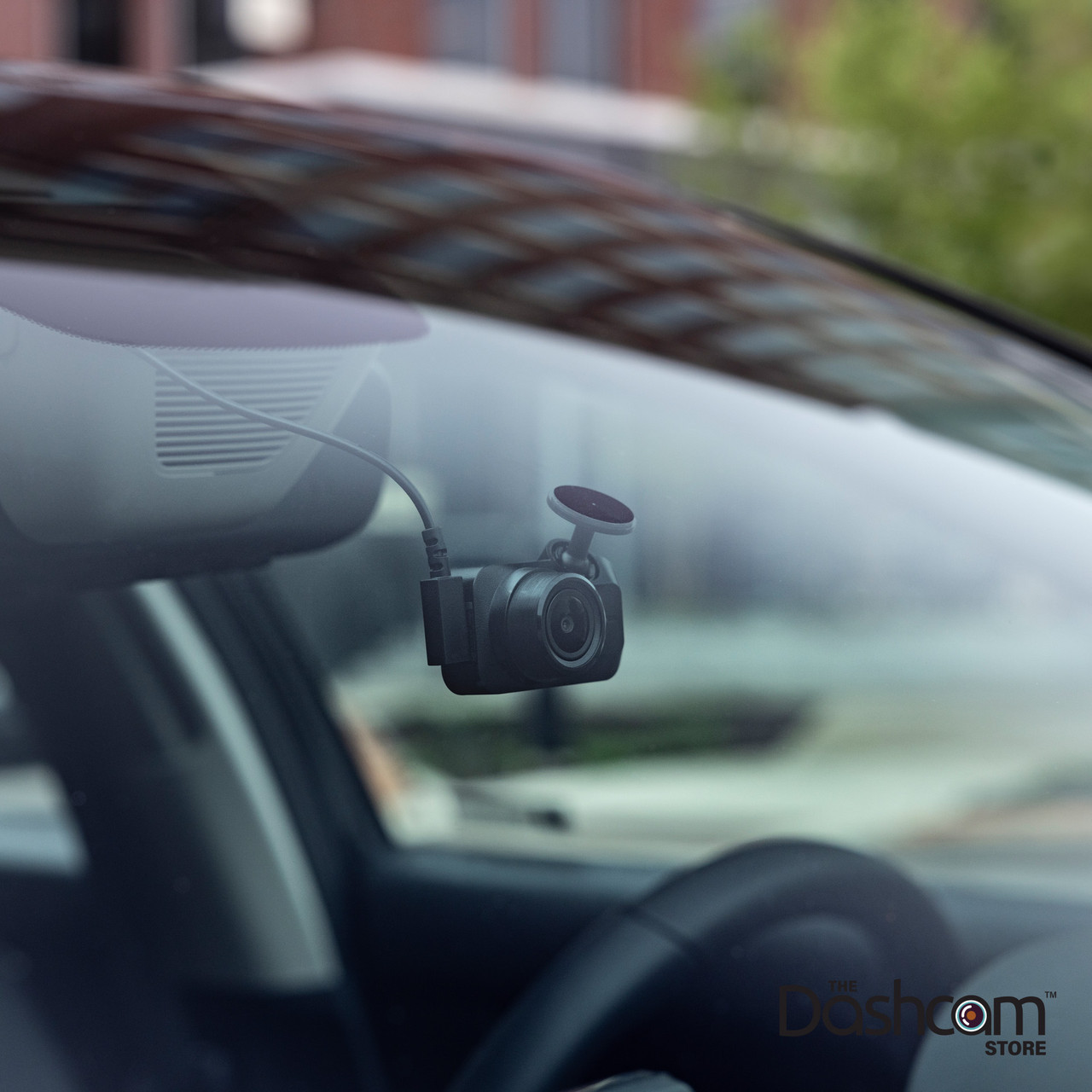
- Are compact and designed for windshield mounting.
- Often use hardwiring kits or direct 12V connections for continuous power.
- Include discreet designs that stay put and auto-start with the car.
GoPro cameras:
- Offer flexible mounts for the windshield, dashboard, helmet, or bike.
- Rely on internal batteries unless you install a USB power adapter or hardwire.
- Can be bulky for a neat dash setup but offer more framing choices.
If you want a “set it and forget it” camera for daily driving, garmin dash cam vs gopro tilts toward Garmin. If you need multi-use mounting and varied angles, GoPro is better.
Smart features and software
Smart functions make a big difference when choosing between garmin dash cam vs gopro.
Garmin features often include:
- GPS logging for speed and location.
- Incident detection that saves clips automatically when a shock is detected.
- Parking surveillance that can record while parked if wired to a power source.
- Easy export to formats used in insurance claims.
GoPro features often include:
- Advanced image stabilization for smooth footage on rough roads.
- Multiple shooting modes like time-lapse and high-frame-rate slow motion.
- Smartphone app control for framing and quick edits.
- Cloud backup options with subscription.
For daily drivers who want automated safety features, Garmin’s app and incident workflows are built for that job. For creators who want editing and creative modes, GoPro’s ecosystem is stronger.

Durability, weather, and long-term use
Think about where you will use the camera most when comparing garmin dash cam vs gopro.
Garmin dash cams are built to stay in cars. They tolerate heat inside parked cars better when properly installed. They are optimized for long, continuous runs and tend to have reliable loop recording.
GoPro cameras are rugged and often waterproof without a case. They are built to handle drops, rain, and extreme outdoor use. For off-road or wet conditions, GoPro gives confidence.
Battery life and longevity:
- Garmin is usually wired and not limited by battery life.
- GoPro battery limits recording time unless connected to external power.
If you need a camera for long parking surveillance or constant road use, Garmin is a safer choice. If you need a camera for varied weather and outdoor adventures, GoPro stands out.

Price, accessories, and total cost
Budget changes the garmin dash cam vs gopro decision a lot. Consider both initial cost and accessories. Additionally, the long-term investment should be evaluated, as the Garmin Dash Cam may offer features that reduce the need for extra purchases over time. A careful look at a Garmin dash cam features review can highlight advantages like built-in GPS and advanced safety alerts that may justify its price. Ultimately, understanding how each unit fits into your budget will help in making a more informed decision.
Garmin pricing:
- Models range from budget-friendly to mid-range.
- Many features are included without extra accessories beyond a hardwire or mount.
- Ongoing cost is low once installed.
GoPro pricing:
- The camera itself can be pricier for top specs.
- You may need mounts, housings, or power adapters for dash use.
- Subscriptions for cloud and advanced features may add costs.
Think total cost. A cheaper dash cam that meets your evidence needs may cost less than a fully outfitted GoPro for car use.

How to choose: practical checklist
Answer these quick questions to pick between garmin dash cam vs gopro.
- Do you need continuous in-car recording? If yes, choose Garmin.
- Do you want cinematic video, action shots, or multi-use mounting? If yes, choose GoPro.
- Is GPS data and timestamp critical for you? Garmin offers built-in options.
- Will you run the camera while parked? Garmin with hardwire support is better.
- Do you plan to edit footage and create content? GoPro has more creative modes.
My tip from experience:
- Use a Garmin as your primary in-car recorder for evidence.
- Keep a GoPro for trips, scenic footage, and action filming.
- If you want both functions with one device, be ready to accept trade-offs like battery swaps and extra mounts.
Personal experience and real-world lessons
I have used both devices in real situations. Here are what I learned from garmin dash cam vs gopro tests.
- During a minor fender-bender, my Garmin file had a clear timestamp and GPS coordinates. That made the insurance process easy.
- On a mountain road trip, my GoPro captured smooth, high-detail scenic shots that a dash cam could not match.
- Hardwiring a GoPro for constant car use worked but required extra cables and a lot more setup than plugging in a Garmin.
- My mistake: I once relied on a GoPro battery for a long drive. The camera shut down before the incident. Since then, I always hardwire dash cameras for evidence.
Practical tips:
- If you buy a GoPro for car use, get a power adapter and mount that reduce vibration.
- If you buy a Garmin, consider a professional hardwire install to enable parking mode.
- Regularly check file integrity and card health on both devices.

It might interest you: Garmin vs Viofo Dash cam Review
Frequently Asked Questions of garmin dash cam vs gopro
Will a GoPro work as a dash cam?
Yes. A GoPro can record from the dash. It needs continuous power and secure mounting to match a dash cam’s reliability.
Can a Garmin dash cam capture high-quality video for content?
Garmin prioritizes clarity for evidence. It captures good video but usually lacks the cinematic features and high frame rates of a GoPro.
Which is better for nighttime recording?
It depends. New GoPro models have strong low-light performance. Garmin models are tuned for license plate legibility and HDR at night.
Do I need to hardwire a GoPro to use it as a dash cam?
Hardwiring is recommended for 24/7 use. Without it, battery limits will restrict continuous recording.
Does Garmin offer cloud backup like GoPro?
Garmin provides cloud and app features focused on incident reports and GPS data. GoPro offers cloud upload and editing features aimed at creators.
Read more: Nexar vs Garmin Dash camera
Conclusion
Choosing between garmin dash cam vs gopro comes down to purpose. Pick Garmin for reliable, evidence-focused in-car recording and parking surveillance. Pick GoPro for high-resolution action footage, better stabilization, and creative flexibility. If you want both, consider using a Garmin as your always-on safety camera and a GoPro for trips and content creation.
Takeaway: match the camera to your daily needs. Try each setup for a week before deciding. Share your experience or ask a question below to get personalized advice.

