


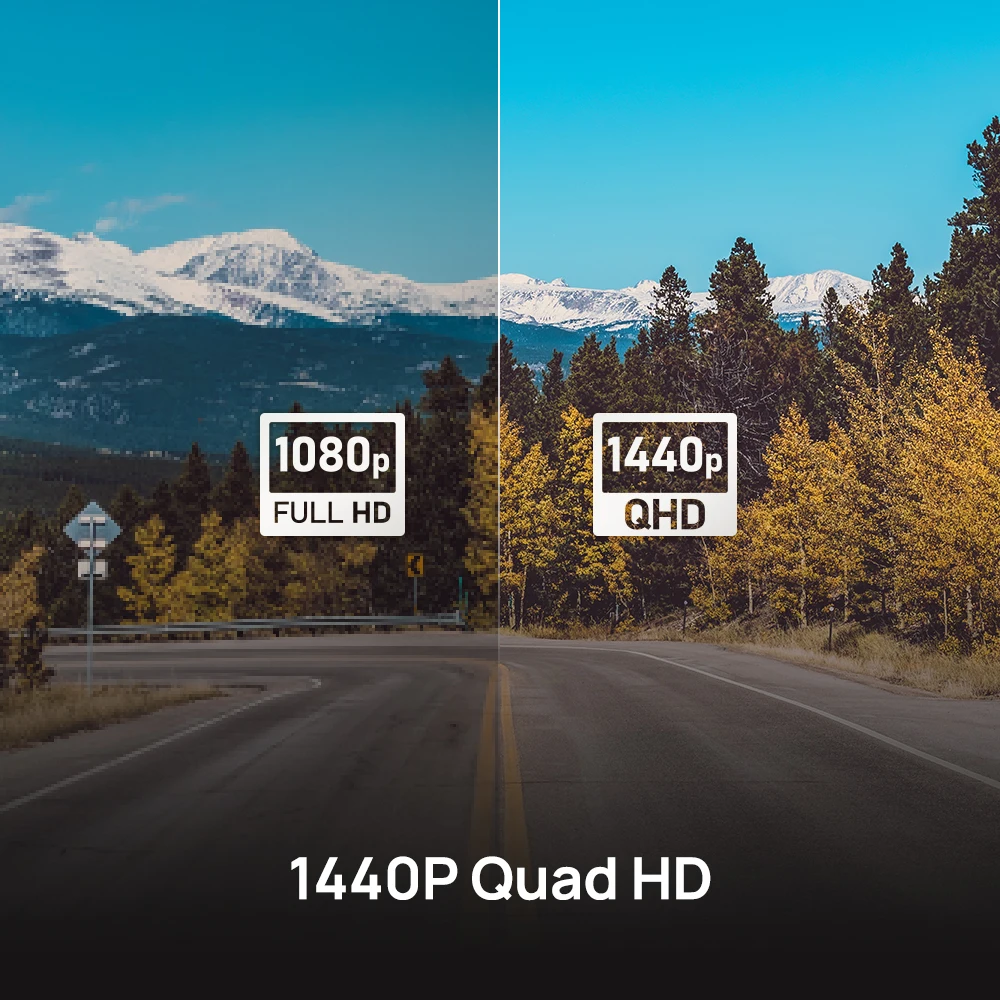
1440p dash cams capture noticeably more detail than 1080p, especially for license plates and distance.
I’ve tested both 1080p vs 1440p dash cam models over years of daily driving and accident documentation. This guide dives into their real differences, plus practical tips to help you pick the best dash cam for your needs. Read on to learn how resolution, sensors, storage, and settings change what you actually get from a 1080p vs 1440p dash cam.
Understanding resolution: what 1080p vs 1440p dash cam means
Resolution refers to the number of pixels an image holds. 1080p equals 1920 x 1080 pixels. 1440p (often called 2K or 1440p) equals 2560 x 1440 pixels. More pixels usually mean more detail. But pixels are only part of the story.
Key factors beyond resolution:
- Sensor size and quality affect light capture and sharpness.
- Lens clarity and aperture influence distortion and low-light detail.
- Bitrate and compression determine how much detail gets saved.
Understanding the phrase 1080p vs 1440p dash cam helps you see why two cams with the same label can perform very differently in practice.

Visual clarity and real-world differences
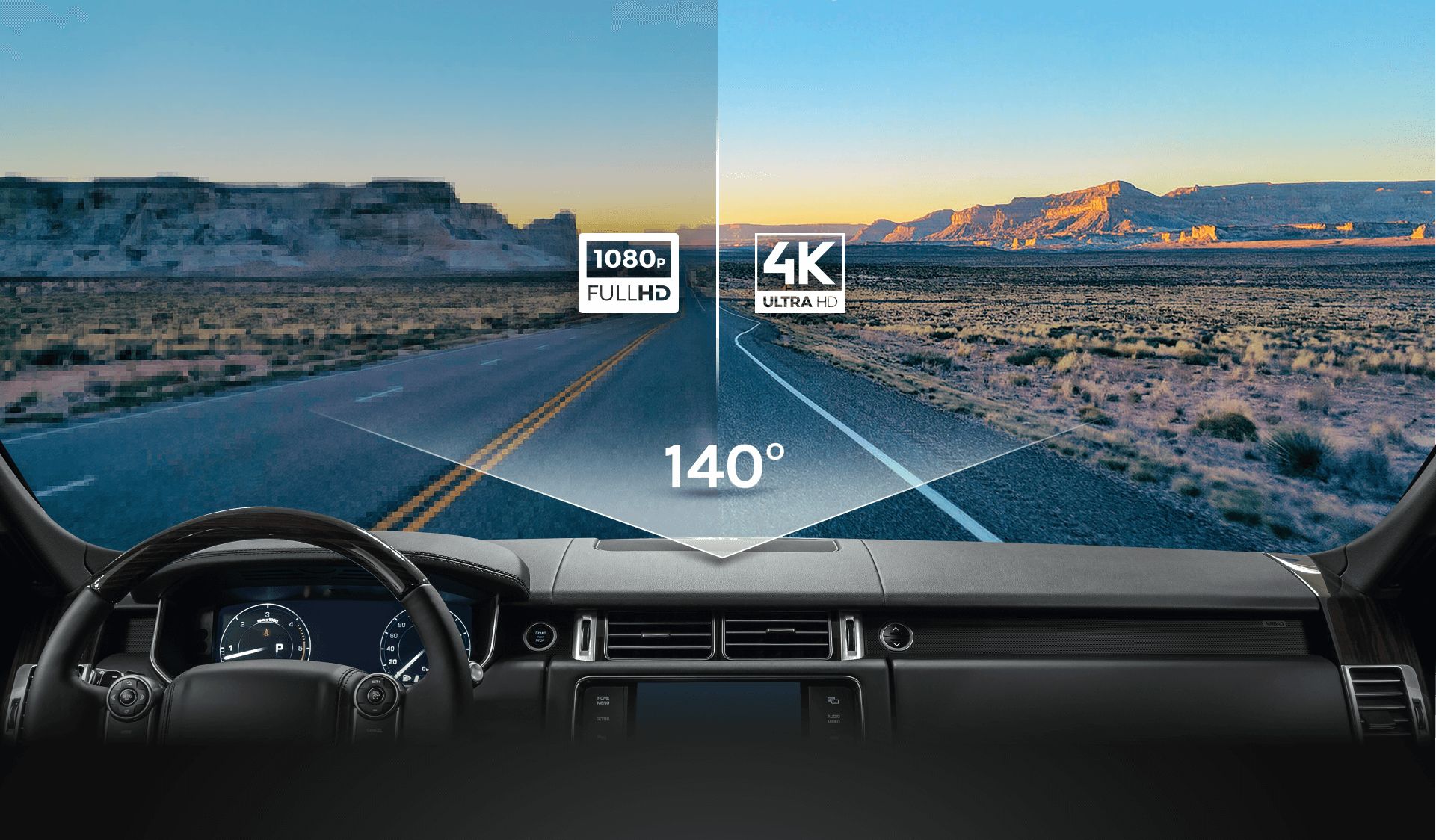
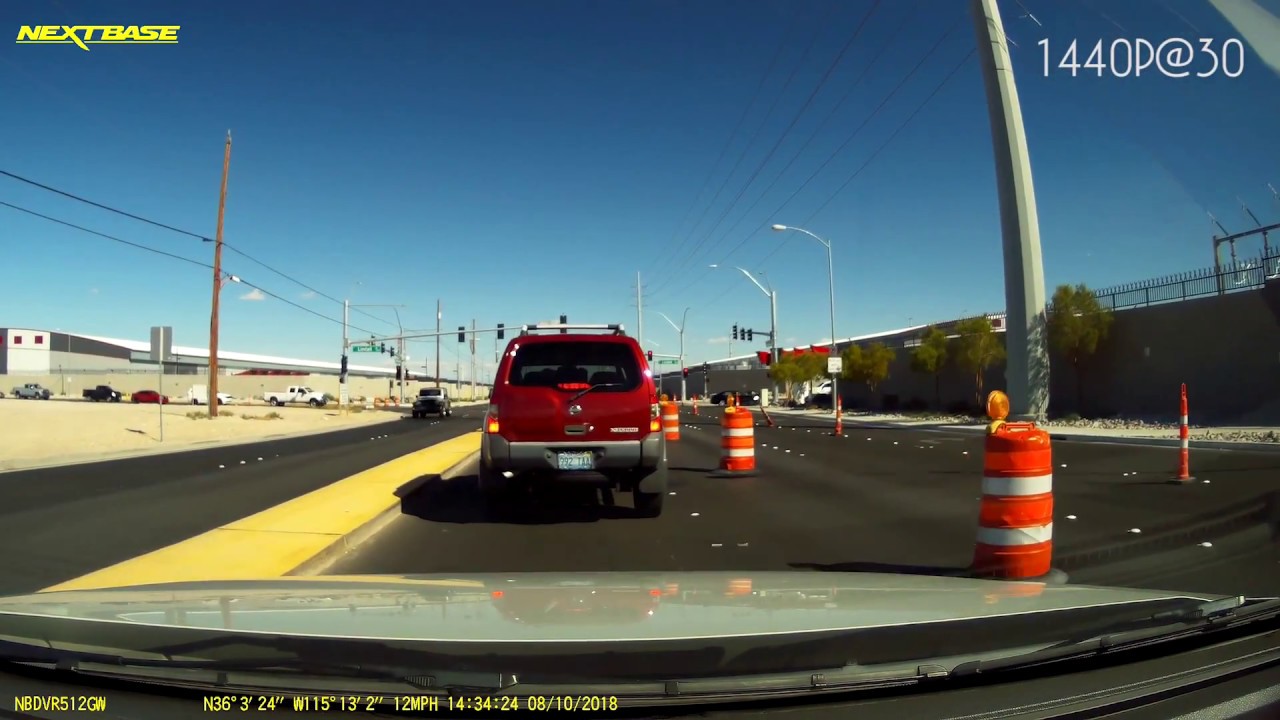
On paper, 1440p has about 78% more pixels than 1080p. That gives more readable detail at a distance. In my tests, license plates become readable 5 to 10 feet further away with a quality 1440p dash cam. Road signs and facial features also show up clearer in many daytime scenarios.
Practical comparisons:
- Close range (under 10 ft): 1080p often looks fine for basic evidence.
- Mid range (10–30 ft): 1440p improves plate and sign legibility.
- Far range (30+ ft): 1440p still helps, but other factors limit clarity.
Remember, resolution helps but does not guarantee perfect footage if the sensor, lens, or bitrate are weak.
Read article: Dash cam 1080p and 1440p
Low-light performance and dynamic range
Resolution alone does not fix low-light problems. Sensor size and pixel quality matter more at night. A small sensor with many pixels can suffer from noise. In contrast, a well-balanced 1080p sensor can outperform a poor 1440p sensor at night.
Look for these features for better night footage:
- Larger sensor area per pixel for less noise.
- Wide dynamic range or WDR to handle bright headlights and dark shadows.
- Good lens aperture to let in more light.
From my experience, a mid-range 1440p dash cam with a good sensor beats a low-end 1440p. A high-quality 1080p can also offer excellent night results. So evaluate sensor and low-light tests, not just resolution. Moreover, many users find that investing in a mid-range model not only provides better image quality but also enhances durability and reliability. Additionally, while a 2k dash cam benefits from improved clarity, it’s essential to balance that with solid performance in challenging lighting conditions. Ultimately, making an informed decision based on sensor quality and performance in various scenarios can lead to better outcomes on the road.

Storage, bitrate, and file management
Higher resolution uses larger files. A 1440p dash cam records bigger files than a 1080p at the same frame rate and bitrate. That means you need more storage or more aggressive compression.
Practical storage tips:
- Choose a dash cam with high bitrate options for better detail.
- Use a high-endurance microSD card rated for dash cam use.
- Consider 128 GB or 256 GB for 1440p if you want long loop times.
In my setup, switching from 1080p to 1440p doubled my monthly storage needs. I learned to balance bitrate and loop length to avoid losing important footage.

Hardware, processing, and heat
Recording 1440p requires more processing power. The dash cam’s CPU must compress video in real time. That increases power draw and heat. Poor thermal design can lead to dropped frames or shorter device life.
What to check:
- Reliable processor and thermal design for sustained 1440p recording.
- Efficient compression codec like H.265 to reduce file size.
- Firmware updates that optimize encoding and stability.
I’ve seen low-cost 1440p cameras overheat in summer, causing corrupted files. Spend a bit more for proven hardware if you plan long-term use.
Price, value, and use cases
Price often rises with resolution. But price alone is not value. A balanced 1080p dash cam with a strong sensor and features can be better than a cheap 1440p.
Who should pick which:
- Choose 1080p if you want a reliable, lower-cost cam for basic evidence and good night performance.
- Choose 1440p if you need extra detail at distance for plate capture or frequent highway driving.
- Choose a higher-end 1440p if you want future-proofing and top daytime clarity.
In my view, commuters who face highway incidents benefit most from 1440p. City drivers with many night scenes can often lean on a high-quality 1080p.

Installation tips and practical advice
Placement and setup matter as much as resolution. A crooked camera or dirty windshield ruins footage from any 1080p vs 1440p dash cam.
Installation checklist:
- Mount the camera high and centered behind the rearview mirror for the best field of view.
- Keep the lens clean and away from direct sun glare when possible.
- Enable time/date stamps and sync camera time to GPS for accurate evidence.
I once misinterpreted footage because my camera time was off. Double-check settings before relying on recordings.

Recommended settings for best results
Use settings that balance quality and storage. Small changes can make big differences.
Optimal basic settings:
- Resolution: 1440p for detail if your hardware supports it, otherwise 1080p for stability.
- Frame rate: 30 fps is fine. 60 fps uses more space with modest benefit.
- Bitrate: Use higher bitrate settings if available; prioritize quality over tiny extra record time.
- Parking mode: Enable buffered mode with motion detection to save power and space.
Test settings on a short drive. Inspect footage on a computer to ensure clarity and stability before long trips.

Frequently Asked Questions
What is the main difference between a 1080p vs 1440p dash cam?
The main difference is pixel count and detail. 1440p has more pixels, giving clearer images at distance and better plate legibility in many cases.
Will upgrading from 1080p to 1440p improve night footage?
Not always. Night improvement depends on sensor size and lens quality more than resolution. A good 1080p can beat a poor 1440p at night.
How much more storage does a 1440p dash cam use versus 1080p?
A 1440p file can be roughly 1.5 to 2 times larger than 1080p at the same bitrate. Actual size varies with compression and scene complexity.
Do I need a special SD card for 1440p recording?
Yes. Use a high-endurance microSD card rated for continuous video. Cards with faster write speeds and endurance reduce file corruption risk.
Is a 1440p dash cam worth the extra cost?
It depends on your needs. If you need clearer distant detail or highway evidence, 1440p is often worth it. For basic city driving, a high-quality 1080p can be sufficient.
Can firmware improve 1080p vs 1440p dash cam performance?
Firmware can improve compression, stabilization, and features. It cannot change the sensor’s physical limits, but updates can noticeably improve usability and stability.
Conclusion
Choosing between a 1080p vs 1440p dash cam comes down to your priorities. If you need more distance detail and can handle larger files, 1440p is the better choice. If you value low-light performance, lower cost, and smaller files, a high-quality 1080p is a solid pick. Start by testing cams in real conditions. Adjust bitrate and placement to get the best footage for your needs. Try a short drive, review the files, and then decide. If this helped, subscribe for more reviews or leave a comment with your dash cam questions. Additionally, consider the 720p dash cam advantages if you’re on a tight budget or require a cam for basic recording purposes. While it may not offer the same detail as 1080p or 1440p options, a 720p dash cam can still provide adequate footage for less demanding situations such as parking monitoring. Ultimately, the decision should reflect your specific requirements and how much you’re willing to invest in your dash cam technology.

