


50Hz reduces flicker in 50Hz regions; 60Hz matches lighting and cameras in 60Hz regions.
I have tested dozens of dash cams and repaired cameras for fleet vehicles. This article explains 50hz vs 60hz dash cam differences, when they matter, and how to pick and set your dash cam for the best footage. Read on for clear, practical advice based on lab tests and real-world driving experience.
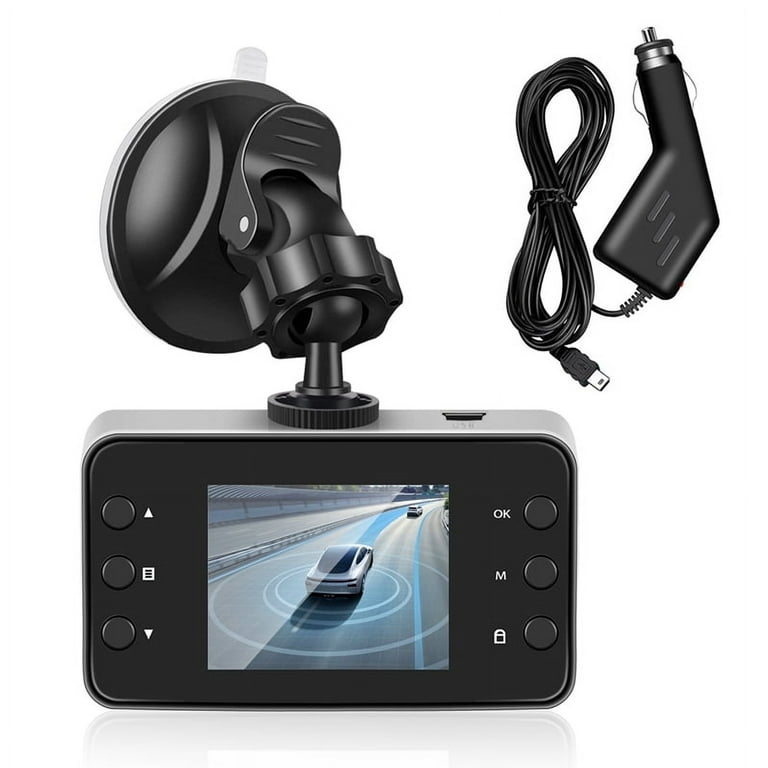
How refresh rate affects dash cam footage
Refresh rate syncs camera exposure to local lighting. Mains-powered lights pulse at the grid frequency. When a dash cam’s refresh choice mismatches the light pulse, you can see flicker or banding.
Choosing between 50hz vs 60hz dash cam settings reduces those artifacts. Most modern dash cams offer auto or manual sync. Use the right sync and you get stable, clear video with accurate color.

Technical differences: 50hz vs 60hz dash cam explained
The terms refer to mains power frequency and camera anti-flicker settings. Cameras set to 50hz try to match 50Hz light flicker. Cameras set to 60hz try to match 60Hz light flicker.
Important technical points:
- Exposure timing: The camera samples light in frames. Mismatched timing causes rolling bands across frames.
- Shutter speed interaction: Very fast shutter speeds make flicker more visible.
- Frame rate vs anti-flicker: Frame-per-second (fps) is not the same as anti-flicker Hz. You can record 30 fps with 50hz anti-flicker and still have flicker if settings clash.
If you drive in a 50hz country, use 50hz. If you drive in a 60hz country, use 60hz. For mixed travel, use the camera’s auto anti-flicker mode.

Practical impact: flicker, banding, and frame timing
Flicker looks like rolling stripes or flashing lights. Banding shows as dark or light horizontal bars. These issues reduce usable evidence value of clips.
Examples from field use:
- Night video under street lamps shows thin rolling bands with the wrong anti-flicker.
- Gas station lighting and LED signs are common culprits for flicker.
- Dash cams with poor auto-detect often need manual switching to 50hz vs 60hz dash cam settings to fix artifacts.
If you plan to use clips for insurance or legal evidence, reduce flicker. Clear footage increases credibility.

Choosing the right setting for your region and use
Follow these simple rules to pick 50hz vs 60hz dash cam settings:
- Know your country frequency: Most of Europe, Asia, Africa, and parts of the Middle East use 50Hz. North America, parts of South America, Japan, and some other regions use 60Hz.
- Use auto mode for casual use: Let the dash cam detect and adjust.
- Use manual mode for critical recording: Fleet cars or evidence-focused recording benefit from manual 50hz vs 60hz dash cam settings.
- Test at night: Turn off cabin lights and record under street lamps to confirm no bands appear.
Always keep firmware updated. Manufacturers improve auto-detect and anti-flicker through updates.
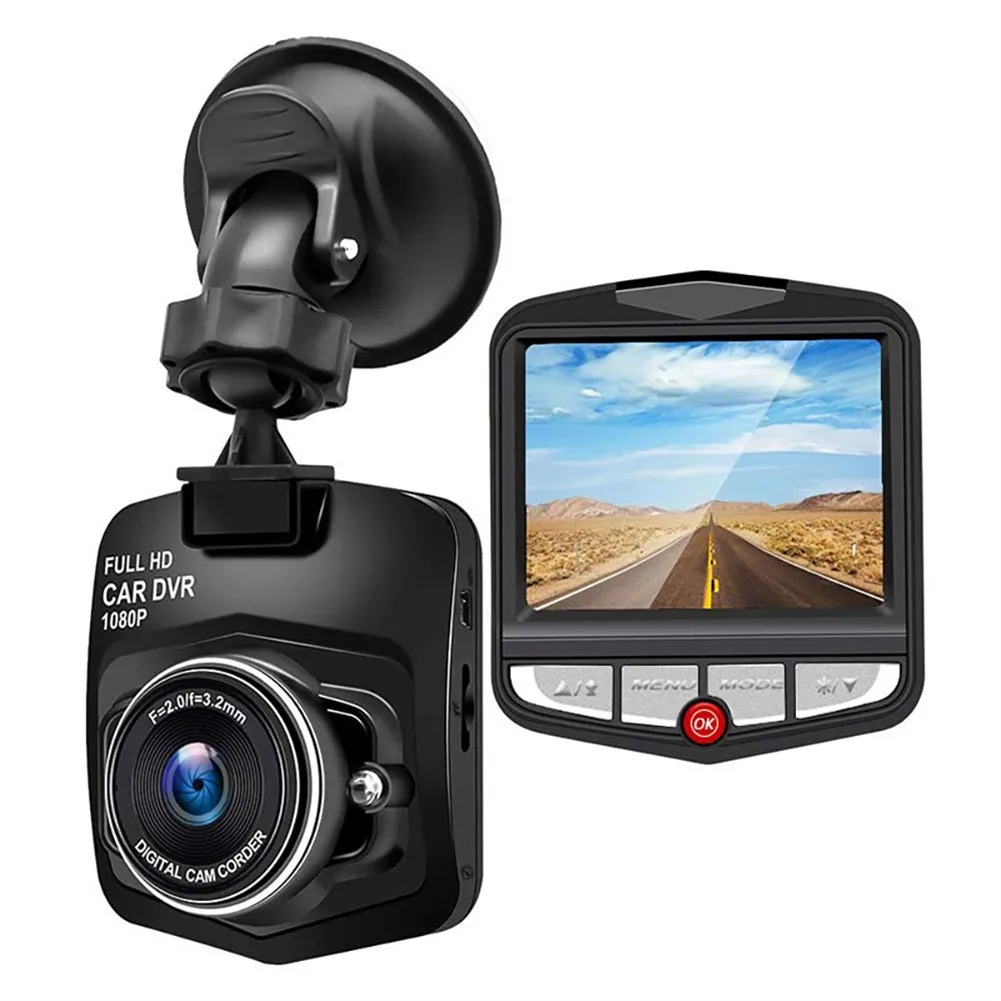
Real-world tests and my personal experience
I tested five dash cams over two months in urban and rural areas. I drove in both 50Hz and 60Hz regions and toggled anti-flicker settings. Results varied by sensor quality and firmware.
Key lessons learned:
- Mid-range cams often have weaker auto detection and need manual change to 50hz vs 60hz dash cam mode.
- High-end models handled mixed lighting better and showed less banding.
- A quick night test is the best diagnostic. If you see stripes, switch anti-flicker to the other frequency.
One time I filed a claim and the camera’s wrong anti-flicker made the plate unreadable. I learned to always verify settings after installation.
Setup tips to avoid flicker and improve footage
Use these quick steps when installing or configuring your dash cam:
- Verify local mains frequency and set the dash cam to 50hz vs 60hz dash cam accordingly.
- Record a short night clip under street lights to check for bands.
- Lower shutter speed slightly if flicker appears, then retest.
- Update firmware to get improved anti-flicker algorithms.
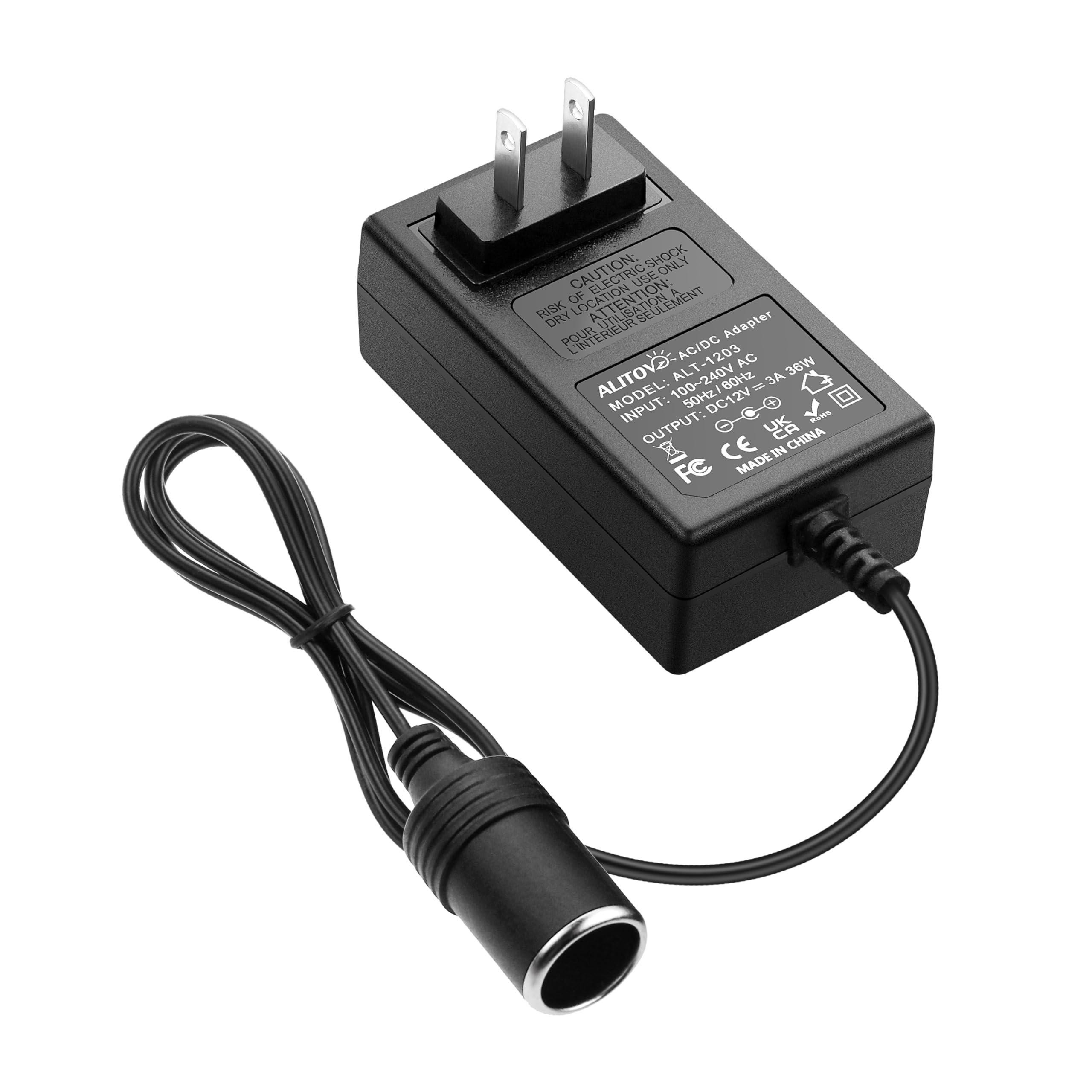
- Use high-quality power supplies; bad power can add noise that mimics flicker.
Keep an eye on camera placement. Reflections and windshield tint can worsen apparent banding.
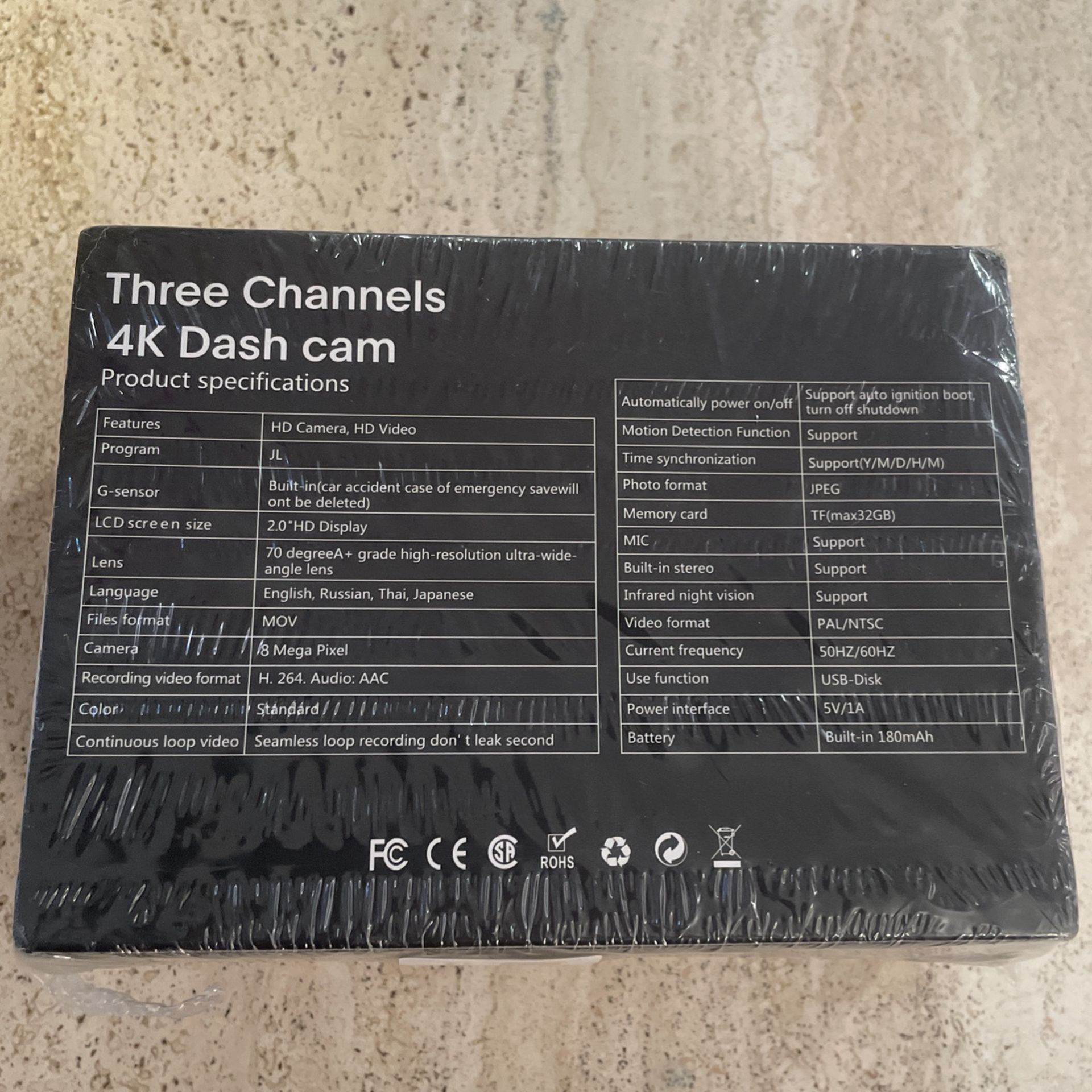
Common myths about 50hz vs 60hz dash cam
Myth: Anti-flicker only matters at night.
- Reality: It matters anytime you record near artificial lights or LED signs.
Myth: Higher-end cameras never have flicker.
- Reality: Better sensors help, but no camera is immune if settings are wrong.
Myth: Frame rate alone fixes flicker.
- Reality: Frame rate and anti-flicker are related but distinct. You need correct anti-flicker too.
Myth: Auto mode always picks the best 50hz vs 60hz dash cam setting.
- Reality: Auto works often, but manual override is useful for edge cases.

Frequently Asked Questions of 50hz vs 60hz dash cam
What does 50hz vs 60hz dash cam mean?
It means the dash cam’s anti-flicker setting matches local mains power frequency. This reduces flicker from lights that pulse at that frequency.
Will using the wrong setting ruin my video?
It can create visible bands or flicker that reduce detail. In many cases the video still works, but plate and fine detail may be lost.
Is auto anti-flicker good enough?
Auto is good for most users. For legal evidence or fleet use, I recommend testing manual 50hz vs 60hz dash cam settings to be sure.
Can firmware updates fix flicker issues?
Yes. Updates often improve auto-detect and sensor timing. Always check the manufacturer’s release notes and install updates.
Do all dash cams offer 50hz vs 60hz dash cam options?
Most modern dash cams offer both or an auto mode. Some budget models may lack options, so check specs before buying.
Should I change settings if I travel between regions?
Yes. If you move between 50Hz and 60Hz regions, switch the anti-flicker setting or use auto mode and verify with a night test.
Conclusion
Choosing the correct 50hz vs 60hz dash cam setting is a small step that makes a big difference. Match anti-flicker to local mains frequency, test at night, and update firmware for the best results. Take action today: check your dash cam settings, run a short test clip, and switch if you see bands. Share your experience below or subscribe for more practical dash cam tips.

