


Dash cam GPS logging combines video with satellite-derived location, speed, and timestamped telemetry.
I’ve tested many dash cams and worked with vehicle tech for years, so I’ll explain How Dash Cam GPS Tracking Works with clear steps, real examples, and practical tips. This guide breaks the system into simple parts, shows what the GPS data adds to video, and helps you pick, set up, and troubleshoot a reliable dash cam GPS setup.
Read more: How To Check If My Dash Cam Has GPS Tracking: Quick Guide
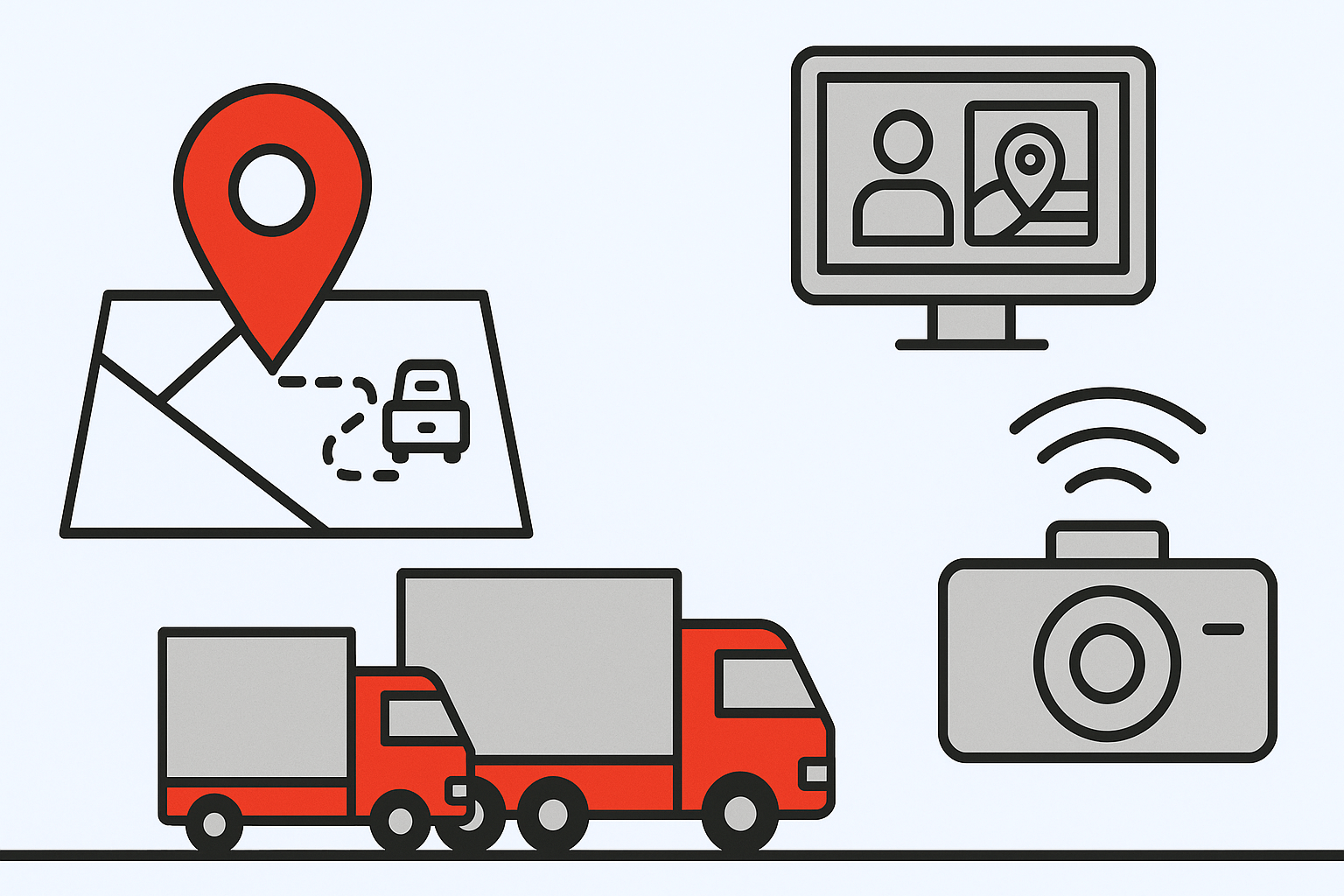
How Dash Cam GPS Tracking Works: Core Components
How Dash Cam GPS Tracking Works depends on three core parts: the camera, the GPS receiver, and the software that links video to location. The camera records continuous video while the GPS receiver gets location fixes from satellites. The software combines both streams so each video frame can show where and when it happened. This fusion makes footage far more useful for evidence, fleet tracking, and driving analysis.

GPS Module and Satellite Signals
To see How Dash Cam GPS Tracking Works, look at the GPS module: it listens to a network of satellites and computes position fixes. A typical module uses signals from multiple satellites to solve for latitude, longitude, and altitude. Fixes are updated many times per second or per few seconds depending on the unit. The dash cam stores those fixes with timestamps so location matches the video precisely.

Data Fusion: Linking Video to Location and Time
Data fusion is the heart of How Dash Cam GPS Tracking Works because it stamps each video frame with time and position. The camera and GPS clock must stay in sync. When they do, you can overlay speed, coordinates, and route on the video or export a GPS trail for mapping software. Good sync makes event reconstruction simple and trustworthy.

Storage, Telemetry, and Connectivity
Storage shapes how How Dash Cam GPS Tracking Works over time. Most dash cams write video and GPS logs to local microSD cards. Higher-end models also stream telemetry to the cloud using built-in LTE or an attached smartphone. Cloud upload adds live tracking and remote access but also costs more and raises privacy considerations.

Common Features Enabled by GPS in Dash Cams
These features show practical ways How Dash Cam GPS Tracking Works for drivers and fleets. GPS unlocks several common functions:
- Location-stamped playback: Play video and jump to exact map coordinates.
- Speed overlay: See recorded speed synchronized to video.
- Route export: Download GPX or KML files to view the route on maps.
- Geo-fencing and alerts: Set areas that trigger notifications.
- Time synchronization: Ensure camera clock matches real-world time for legal use.

Practical Use Cases and Real-Life Examples
My own tests show How Dash Cam GPS Tracking Works when proving who had right of way during a minor crash. I once used GPS-stamped footage to confirm speed and position; that made insurance handling faster. Fleets use the same approach to verify routes, reduce disputes, and coach drivers. For personal use, GPS data adds context when you want to remember a route or confirm mileage.

Privacy, Legal, and Reliability Considerations
Understanding privacy helps you use How Dash Cam GPS Tracking Works without unnecessary risk. Laws vary; some places limit audio recording or public sharing of location-tagged footage. GPS can fail in tunnels or under heavy foliage, so it’s not flawless. Always disclose recording where required and store data securely.

Choosing the Right Dash Cam for GPS Tracking
When shopping, check specs to confirm How Dash Cam GPS Tracking Works meets your needs. Look for:
- Built-in GPS or an external GPS accessory.
- High write-speed microSD support for long recordings.
- Easy export of GPS logs in GPX or CSV format.
- Optional cloud or LTE features if you need live tracking.
Balance budget, features, and privacy when you choose a model.
Implementation Tips and Troubleshooting
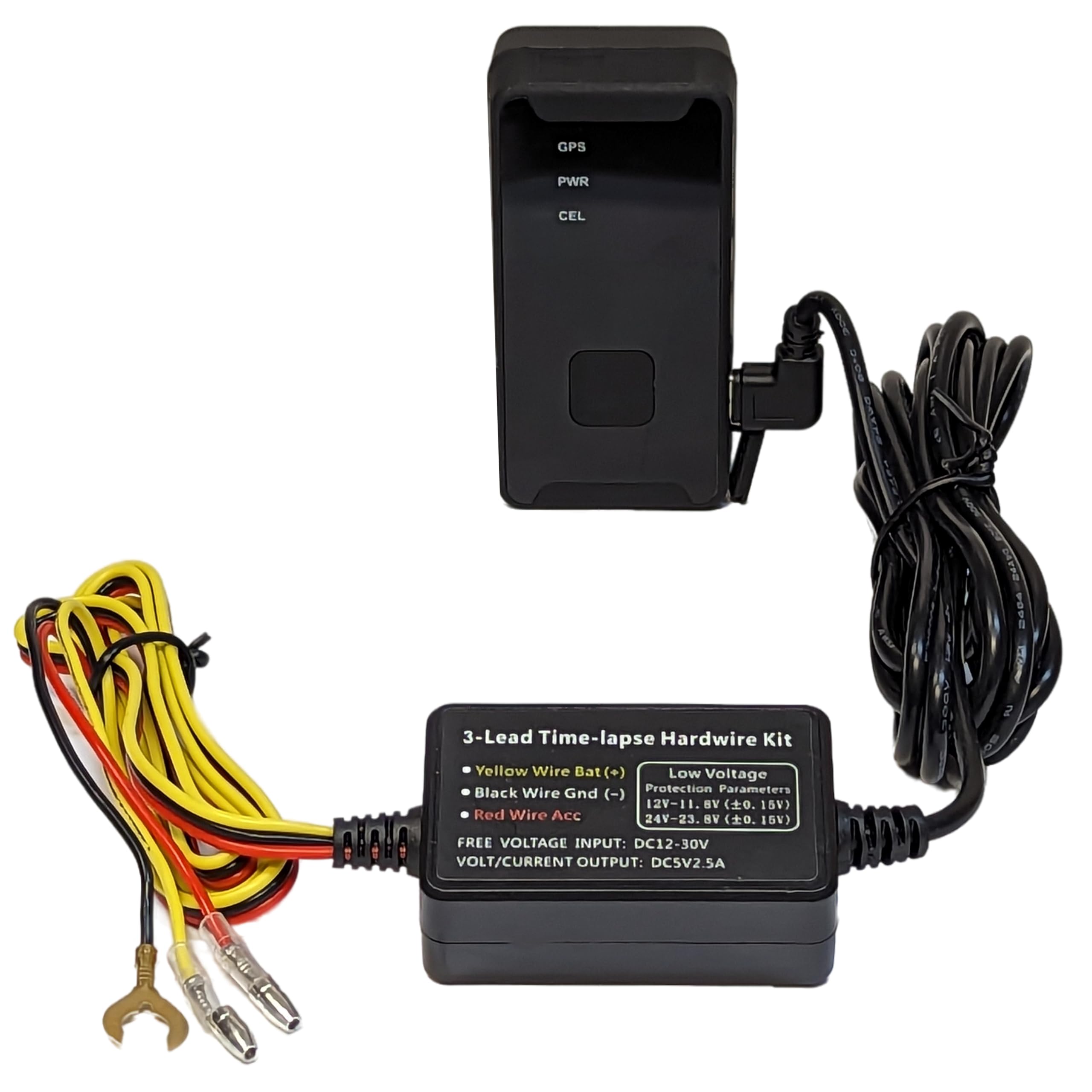
Follow these steps to keep How Dash Cam GPS Tracking Works accurate and reliable. Mount the camera where it has a clear sky view—behind the rearview mirror is common. Keep firmware up to date and format the microSD card occasionally to prevent file errors. If GPS drops, check for loose connections, electromagnetic interference, or software settings that disable GPS logging.
Frequently Asked Questions of How Dash Cam GPS Tracking Works
What exactly does GPS add to dash cam footage?
GPS adds coordinates, speed, and precise timestamps to video. This creates video that can be placed on a map and verified for time and place.
Can GPS data be used in court or for insurance claims?
Yes, GPS-stamped video is often accepted as supporting evidence. Acceptance varies by jurisdiction and requires clear time synchronization and unaltered files.
Will GPS work in tunnels or parking garages?
No, GPS needs direct or reflected satellite signals and usually fails in tunnels or deep garages. Some systems use assisted data or last-known position to fill short gaps.
Do all dash cams record GPS data the same way?
No, implementation varies widely. Some log basic coordinates while others offer live tracking, route export, and overlays; check the specs before buying.
How often does the dash cam record a GPS fix?
It depends on the device—common rates are 1 Hz (once per second) or higher for precise telemetry. Higher rates give smoother routes but use more storage.
Is GPS tracking safe for privacy?
It is safe when used responsibly. Store files securely, share only with trusted parties, and follow local laws on recording and data retention.
Conclusion
This guide explained How Dash Cam GPS Tracking Works by breaking the system into simple parts, showing practical features, and offering real tips from real tests. Use GPS-enabled dash cams to add context, confirm events, and improve safety—but choose devices and settings that match your needs and privacy rules. Try one setup, test it in different environments, and refine mounts and settings until the GPS data is reliable. If you found this helpful, explore models, comment with questions, or subscribe for deeper guides on setup and legal use.

