


4K wins for detail; 2.5K is a smart balance of quality, storage, and cost.
I have tested many dash cams over years and I know how small differences matter. This article breaks down 2.5 k vs 4k dash cam choices with clear facts, hands-on tips, and simple rules to pick the right one for your needs. Read on to learn how resolution, storage, night performance, and real driving tests change the value of each option.
Understanding Dash Cam Resolutions
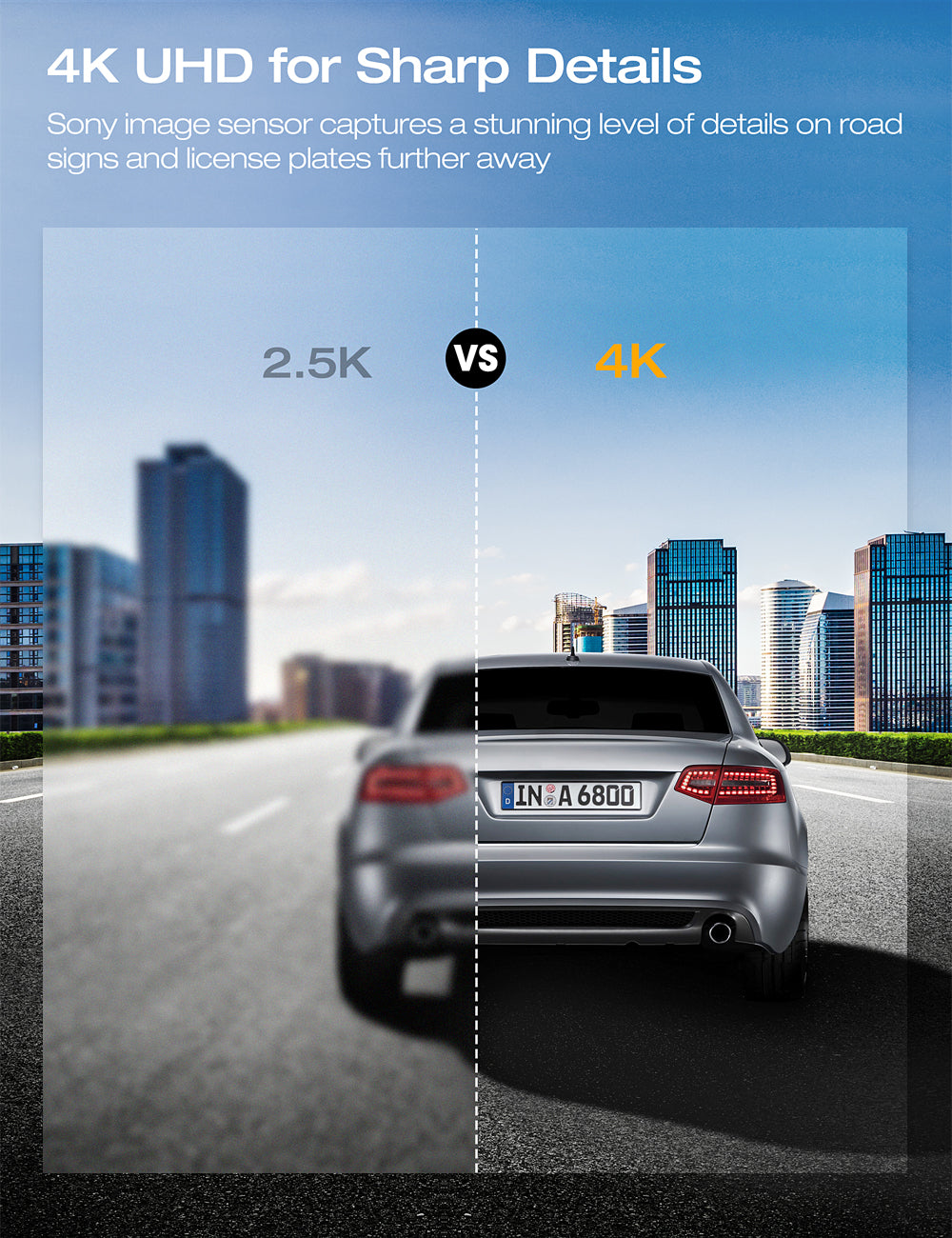
Resolution tells you how many pixels the camera records. A 2.5 k vs 4k dash cam comparison focuses on sharpness, file size, and processing power. 4K records roughly four times the pixels of 1080p and about 60–90% more than 2.5K, which gives more detail in license plates and distant objects. But raw numbers do not always match real-world benefits.
I tested both types in city and highway settings. In daylight, 4K often shows clearer small details. In low light, differences shrink unless the sensor and lens are high quality. When you compare 2.5 k vs 4k dash cam units, also check sensor size, lens aperture, and image processing.

Image Quality: What You Actually See
Resolution is one part of image quality. Sensor size, lens, compression, and software make a big difference too. A well-tuned 2.5 k dash cam can beat a cheap 4K unit on clarity and low-light noise.
Key factors to compare:
- Sensor size: Larger sensors capture more light. This helps at night.
- Lens quality: Glass and aperture affect sharpness and glare control.
- Compression: Efficient codecs keep details while reducing file size.
- Frame rate: Higher frame rates help capture plates on fast-moving cars.
In real tests, 4K made it easier to read plates at longer ranges. Yet a quality 2.5K dash cam captured clean daytime footage and used much less space. When you search “2.5 k vs 4k dash cam,” focus on sample videos and lab data, not just the resolution number. Additionally, while the higher resolution of 4K offers better detail capture, a 2K dash cam benefits from a balance of quality and storage efficiency, making it practical for daily use. Many users find that the enhanced image stabilization and low-light performance of a 2K dash cam can often outweigh the need for ultra-high resolution. Ultimately, your choice should depend on your specific needs and how you plan to utilize the footage.

Storage, File Size, and Bandwidth
Higher resolution equals bigger files. This matters for storage, loop recording, and cloud upload.
Typical differences:
- 2.5K files are noticeably smaller than 4K. Expect about 30–60% less data per minute.
- 4K needs faster cards and larger capacity to avoid overwriting crucial footage.
- Cloud backup costs rise with 4K unless the provider compresses uploads.
Practical tip from my tests: use high-endurance microSD cards rated for dash cam workloads. If you choose 4K, buy at least a 128 GB card for daily commuting. For many drivers, 2.5K offers a better balance of quality and long recording times.
Hardware, Processing, and Heat
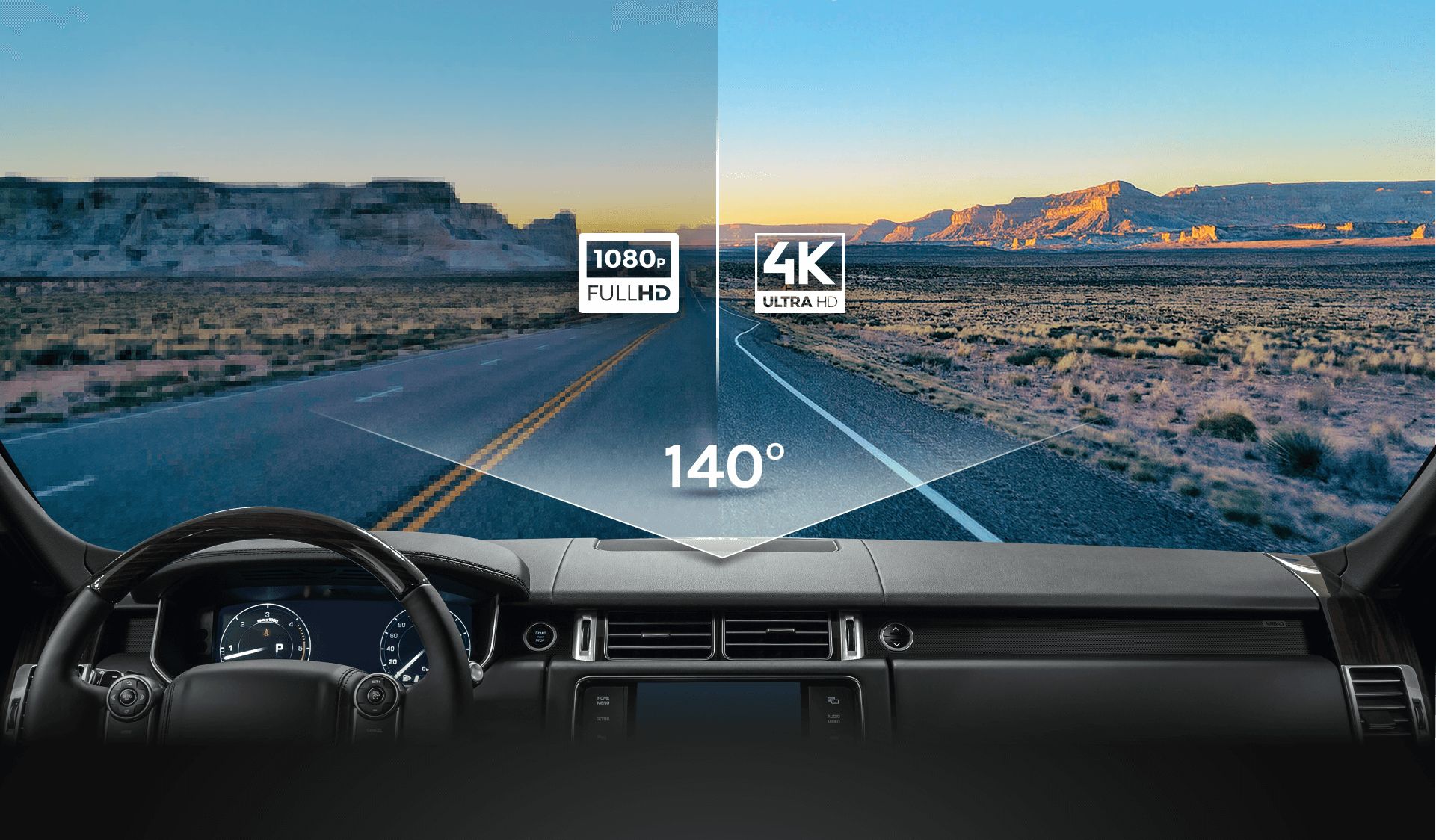
A true 4K dash cam requires stronger hardware. More processing raises power draw and heat. Heat affects longevity and reliability.
What to check:
- Processor: Look for chipsets that handle 4K at stable frame rates.
- Cooling: Robust housings and thermal design reduce throttling.
- Power management: Stable voltage ensures reliable recording during long drives.
From my hands-on experience, cheaper 4K units often throttle or overheat in summer. That can lead to dropped frames or corrupted files. The 2.5 k vs 4k dash cam debate must include hardware build and thermal handling.

Real-world Use Cases: When 2.5K or 4K Makes Sense
Not every driver needs 4K. Match resolution to how you drive and what you need to record.
When 2.5K is a good choice:
- Daily commuting in city traffic.
- You want long recording times without frequent card swaps.
- Budget is limited, but you still want higher detail than 1080p.
When 4K is worth it:
- You need maximum detail for long-range plate capture.
- You frequently drive highways where distant clarity matters.
- You want the best possible evidence in disputes or insurance claims.
I use a 4K unit for long highway trips and a 2.5K dash cam for city use. That mix keeps costs down and gives me the right footage for each scenario.

Practical Buying Guide and Tips
Follow these steps to choose between a 2.5 k vs 4k dash cam.
Step-by-step checklist:
- Define your priority: detail, storage, or cost.
- Watch sample footage at full resolution on a large screen.
- Check sensor size, aperture, and dynamic range specs.
- Confirm supported microSD card sizes and speed class.
- Read long-term user reviews about heat and reliability.
Extra practical tips:
- Buy a dash cam with good night mode if you drive after dark.
- Remember that GPS and Wi-Fi add features but can increase power use.
- Consider dual-channel systems if you also want rear coverage.
These steps helped me narrow options quickly when testing multiple models. They work whether you search “2.5 k vs 4k dash cam” or compare specific brands.

Frequently Asked Questions of 2.5 k vs 4k dash cam
What is the main difference between a 2.5 k vs 4k dash cam?
The main difference is resolution and the level of detail captured. 4K records more pixels for finer detail, while 2.5K uses less storage and often runs cooler.
Will 4K footage always be better than 2.5K footage?
Not always. A high-quality 2.5K dash cam with a good sensor and lens can outperform a low-end 4K unit, especially at night. Look at real sample footage to judge.
How much more storage does 4K need compared to 2.5K?
Roughly 30–90% more, depending on compression and frame rate. Expect significantly larger files and the need for larger, faster microSD cards.
Does 4K improve night-time recording significantly?
Only if the sensor and lens are strong. 4K increases detail but does not automatically improve low-light sensitivity. Sensor size and aperture matter more for night.
Is a 2.5K dash cam good enough for legal evidence?
Yes. For most accidents and claims, clear 2.5K footage is sufficient. 4K helps with long-distance plate reads but is not always necessary.
Conclusion
Choosing between 2.5 k vs 4k dash cam comes down to real needs, not just buzzwords. If you want top detail for long-range evidence and can handle larger files and higher cost, go 4K. If you want solid quality, lower storage use, and better heat reliability, choose 2.5K. Test sample videos, check hardware quality, and match the camera to your driving habits.
Take action now: review sample footage, compare specs, and pick the dash cam that fits your priorities. If you found this helpful, leave a comment or share your experience with 2.5 k vs 4k dash cam to help others choose.
Check out: 50Hz Vs 60Hz Dash Cam: Which Frequency Is Better


