

30fps vs 60fps dash cam: 60fps gives smoother motion; 30fps saves storage and battery.
I have spent years testing dash cams and advising drivers on the best setups. In this article I break down 30fps vs 60fps dash cam choices with hands-on insights, clear trade-offs, and practical tips so you can pick the right option for your driving needs.

What frame rate means and why it matters
Frame rate is how many images a camera records per second. A 30fps vs 60fps dash cam debate centers on smoothness and detail. Higher frame rates show motion more clearly. Lower frame rates use less space and power.
- 30fps records 30 frames per second.
- 60fps records 60 frames per second.
- 60fps doubles temporal detail compared to 30fps.
30fps vs 60fps dash cam choices change how well moving objects look. They also affect file size and battery use.

Visual differences: motion clarity and real-world capture
The obvious difference between a 30fps vs 60fps dash cam is motion smoothness. A 60fps dash cam makes fast motion look clearer. This helps when a vehicle passes quickly or when you need to read a plate.
Low light changes the picture. At night, sensors struggle and frame rate alone cannot fix blur. A 60fps dash cam may need higher ISO or slower shutter to keep light per frame. That can add noise.
For critical captures like license plates:
- 60fps is better for quick, nearby passes.
- 30fps is often fine for slow-moving or stopped events.
30fps vs 60fps dash cam choices also affect forensic use. Police and insurance accept both, but sharper motion at 60fps can be easier to interpret.

Storage, battery, and processing trade-offs
Higher frame rates mean more files and bigger files. A 60fps dash cam uses roughly twice the storage of a 30fps dash cam at the same resolution and bitrate. That affects loop recording and long trips.
Power and heat also matter. A 60fps dash cam demands more processing power. This can lead to more heat and shorter battery life in portable units. Hardwired models handle this better.
Practical points:
- Storage: Upgrade your microSD card for 60fps.
- Bitrate: Use variable bitrate to balance quality and space.
- Power: Hardwire high-frame-rate cams if possible.
30fps vs 60fps dash cam users must weigh convenience against raw detail.
When 60fps is worth it
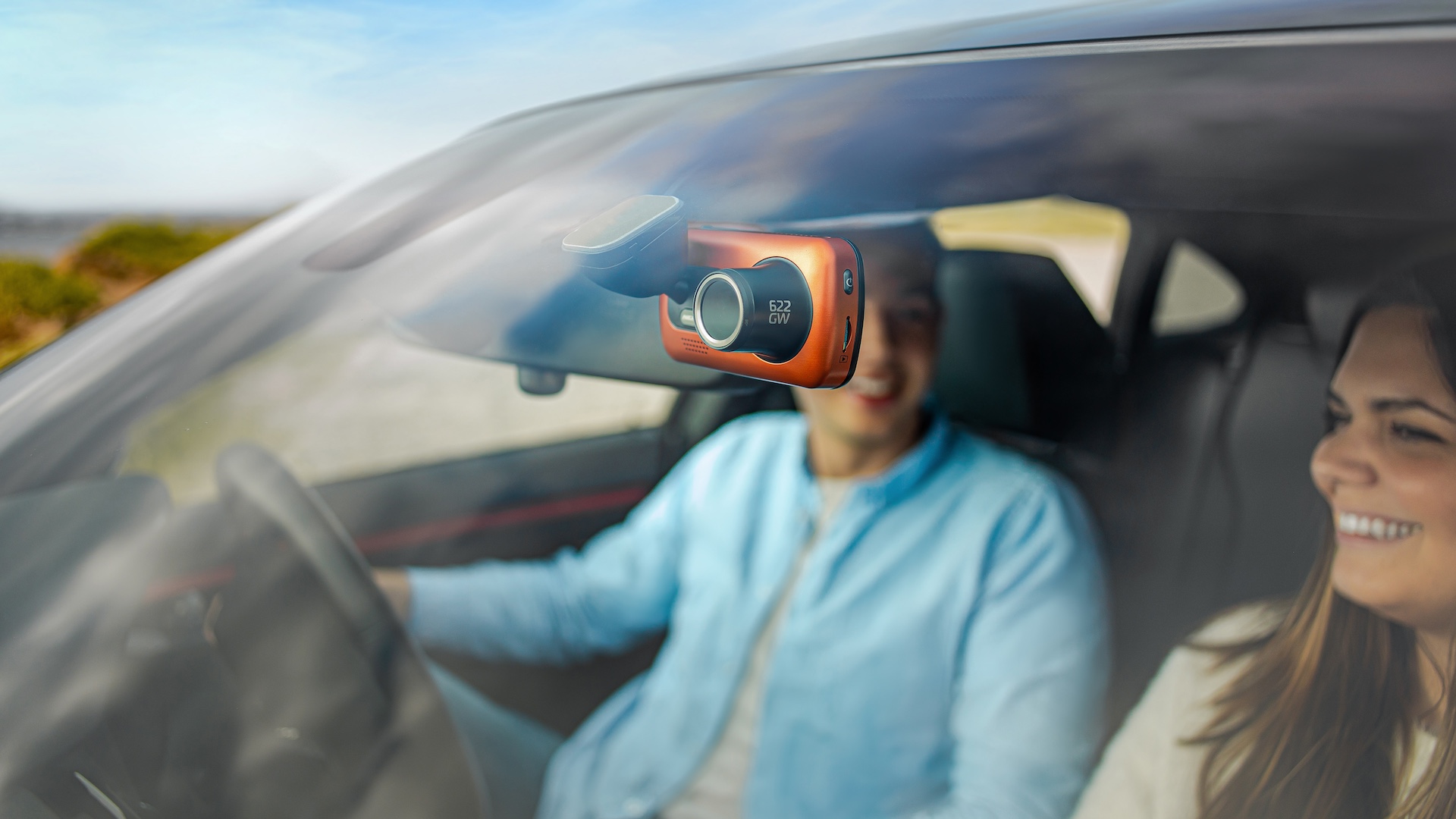
There are clear cases to choose a 60fps dash cam. If you drive fast or on highways, 60fps helps capture rapid events. If you want every action in smooth detail, 60fps is superior. Additionally, the higher frame rate can be particularly beneficial in low-light conditions, where capturing finer details can make a difference in identifying crucial moments. When considering performance, a 50hz vs 60hz comparison reveals that 60fps offers a noticeable improvement in clarity and responsiveness, making it the ideal choice for those prioritizing safety and detail. Ultimately, investing in a 60fps dash cam ensures that every twist and turn of the journey is documented with precision.
Use 60fps if you:
- Drive in heavy traffic with lots of fast motion.
- Need to catch license plates from lane changes and passes.
- Record action for ride-share, deliveries, or racing.
If you record long drives without quick events, 30fps may be fine. Think about how often you actually need that extra detail.

When 30fps is the smarter choice
30fps is efficient and reliable. It uses less storage and keeps files manageable. Many dash cams at 1080p or 1440p look great at 30fps for everyday driving.
1080p and 2k Dash cam Check out
Choose 30fps if you:
- Want longer loop times on the same card.
- Need better battery life in portable setups.
- Drive mostly in urban settings with frequent stops.
30fps vs 60fps dash cam decisions should factor in your daily routine and storage budget.
My hands-on testing and lessons learned
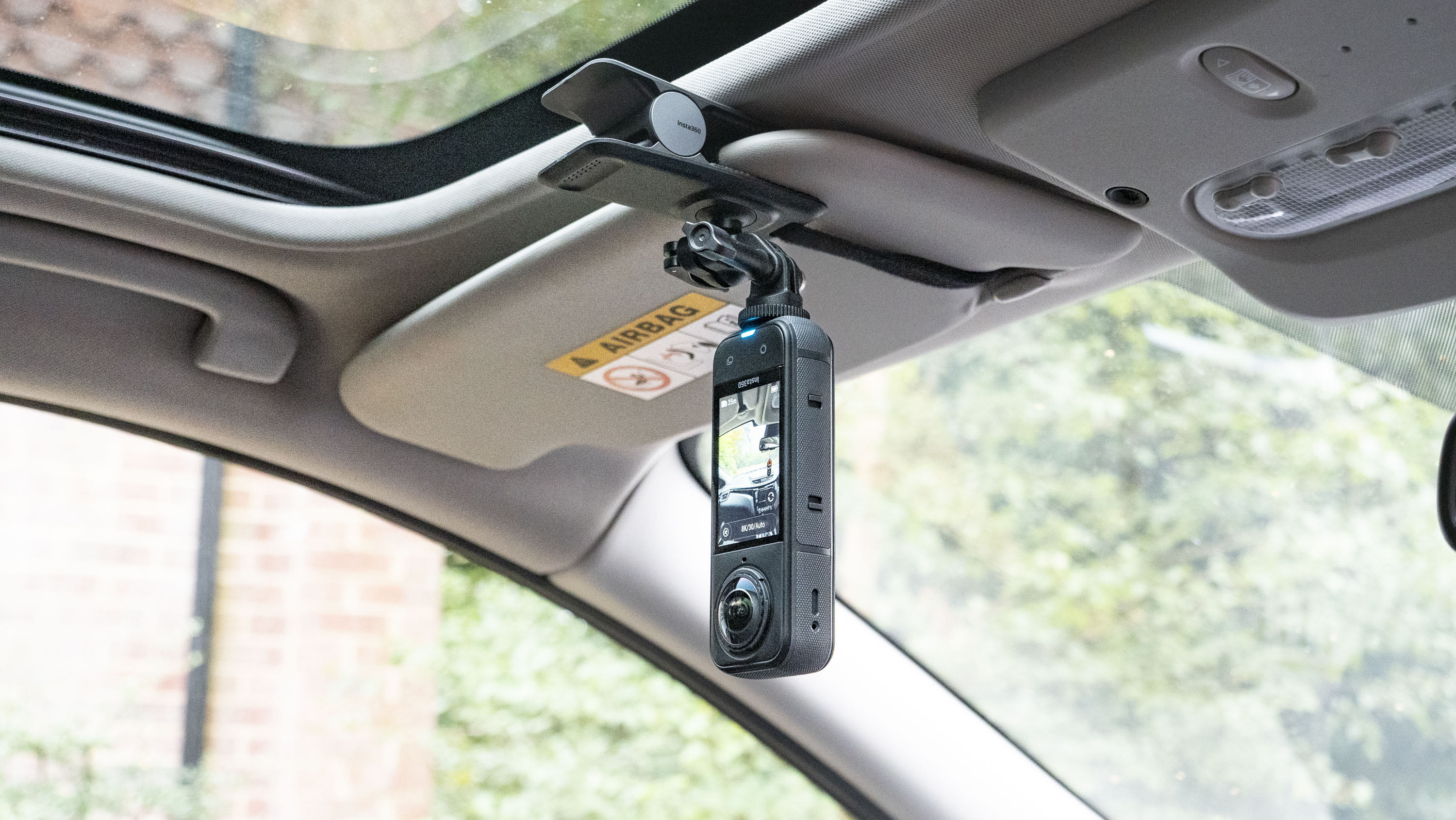
I tested multiple dash cams over three years in city and highway use. I recorded identical routes at 30fps and 60fps to compare plates, signs, and motion blur. I also stress-tested cards and power setups.
Key lessons:
- A cheap 60fps cam with low bitrate is worse than a high-bitrate 30fps cam.
- Heat in summer can throttle frame rates or cause file corruption in poorly cooled units.
- Hardwiring to a stable 12V source makes 60fps use practical for long runs.
I once captured a hit-and-run on a 60fps dash cam. The video showed the kinematics clearly and helped police. That experience convinced me that 60fps can matter when seconds count.
How to choose: checklist and recommendations
Use this checklist to choose between 30fps vs 60fps dash cam.
- Identify your primary use: commuting, highway, or commercial driving.
- Check resolution: higher resolution helps more than higher frame rate for some scenes.
- Match bitrate: aim for at least 10–20 Mbps at 1080p for clean footage.
- Plan storage: double capacity for 60fps to keep similar loop lengths.
- Power plan: hardwire for reliable 60fps use or choose 30fps for battery-powered units.
Recommendations:
- For most drivers: a 30fps dash cam at good bitrate and resolution is balanced.
- For highway drivers and fleet: choose a 60fps dash cam and upgrade card and power.
- For mixed use: look for models that let you switch frame rates based on mode.
30fps vs 60fps dash cam decisions should start with how you drive, not just specs.

Technical tweaks and settings that help
Small settings can change outcomes more than frame rate alone.
- Resolution vs frame rate: 1440p at 30fps can outperform 1080p at 60fps in detail.
- Bitrate: increase bitrate to reduce compression artifacts at 60fps.
- Shutter speed: set a shutter that balances motion blur and exposure.
- WDR and low-light settings: enable if you drive at dawn or night.
- Parking mode: use lower frame rate or motion-triggered recording to save space.
Always test your final setup on a known route and check plate legibility. Adjust bitrate and exposure until you are satisfied.
Cost considerations and long-term upkeep
A 60fps dash cam often costs more. It may need better microSD cards and a stronger mount. Over time, storage and backup needs increase too.
Maintenance tips:
- Reformat cards in the camera regularly.
- Replace cards after heavy use or errors.
- Back up important events immediately to cloud or drive.
Think of frame rate as part of total cost of ownership, not just a spec.
Frequently Asked Questions of 30fps vs 60fps dash cam
What is the main advantage of a 60fps dash cam?
A 60fps dash cam records smoother motion and captures fast events better. This helps when vehicles or pedestrians move quickly across the frame.
Will 60fps improve night recordings?
Not necessarily. Night quality depends more on sensor size, aperture, and noise handling. 60fps may reduce exposure time per frame, which can hurt low-light detail.
Does 60fps double storage needs?
Roughly yes at the same resolution and bitrate. Expect around twice the file size, so plan for larger or additional cards.
Can I switch between 30fps and 60fps on a single camera?
Many modern dash cams let you change frame rate in settings. Switching lets you balance storage and quality based on need.
Is 30fps enough for insurance claims?
Yes. Most insurance and police accept 30fps footage if the video clearly shows the incident. Good bitrate and resolution are often more important than frame rate.
Conclusion
Choosing between a 30fps vs 60fps dash cam is about matching tech to real needs. For everyday city driving, 30fps often gives great value with lower storage and power needs. For highway use, fast events, and professional work, 60fps brings clearer motion and better evidence when seconds matter. Test your setup, balance resolution and bitrate, and pick the system that fits your routes and budget. Try one setting for a week, review the footage, and adjust. If this helped, subscribe for more gear tests or leave a comment about your dash cam experience.

